Share a deck and see who read it
A link for each investor, watermarked, with every visit page by page. From the app or by asking your assistant.
In Binderwork
On binderwork.com or your own instance, in a browser on any device.
Add the deck
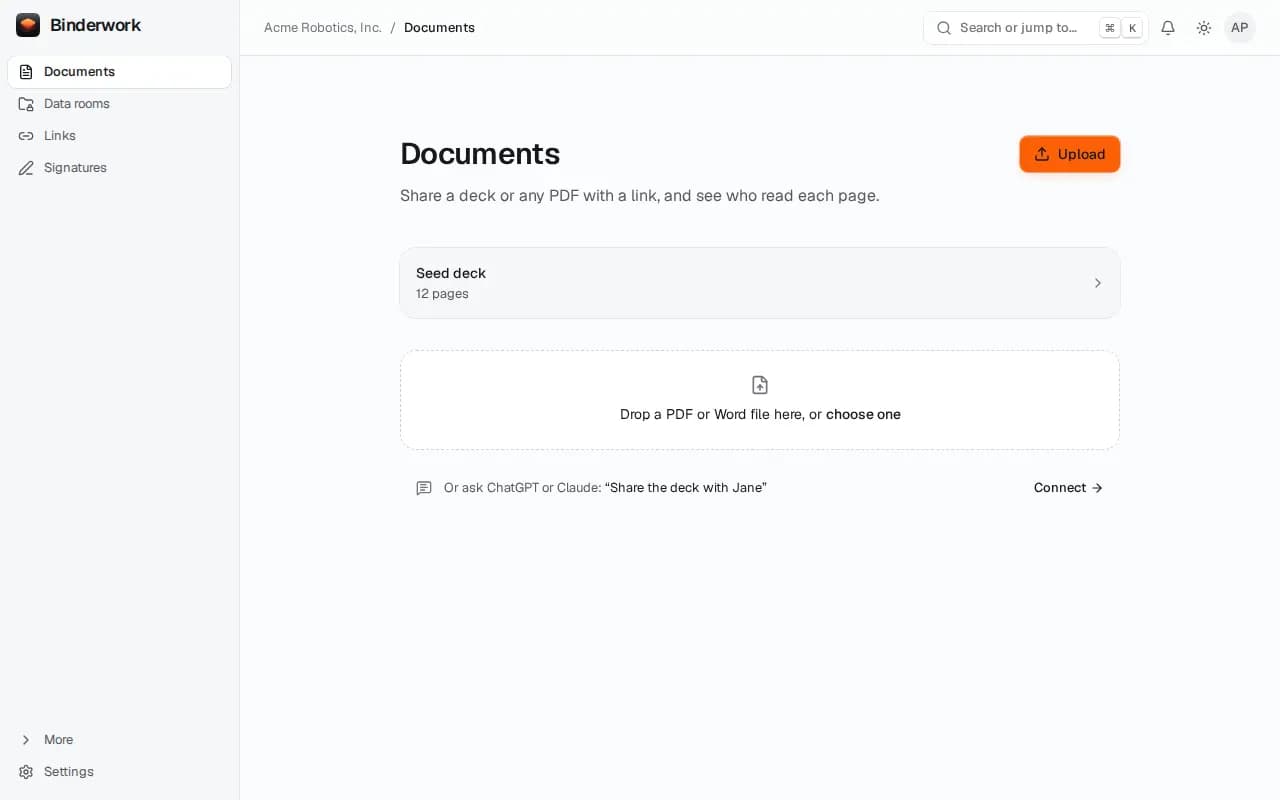
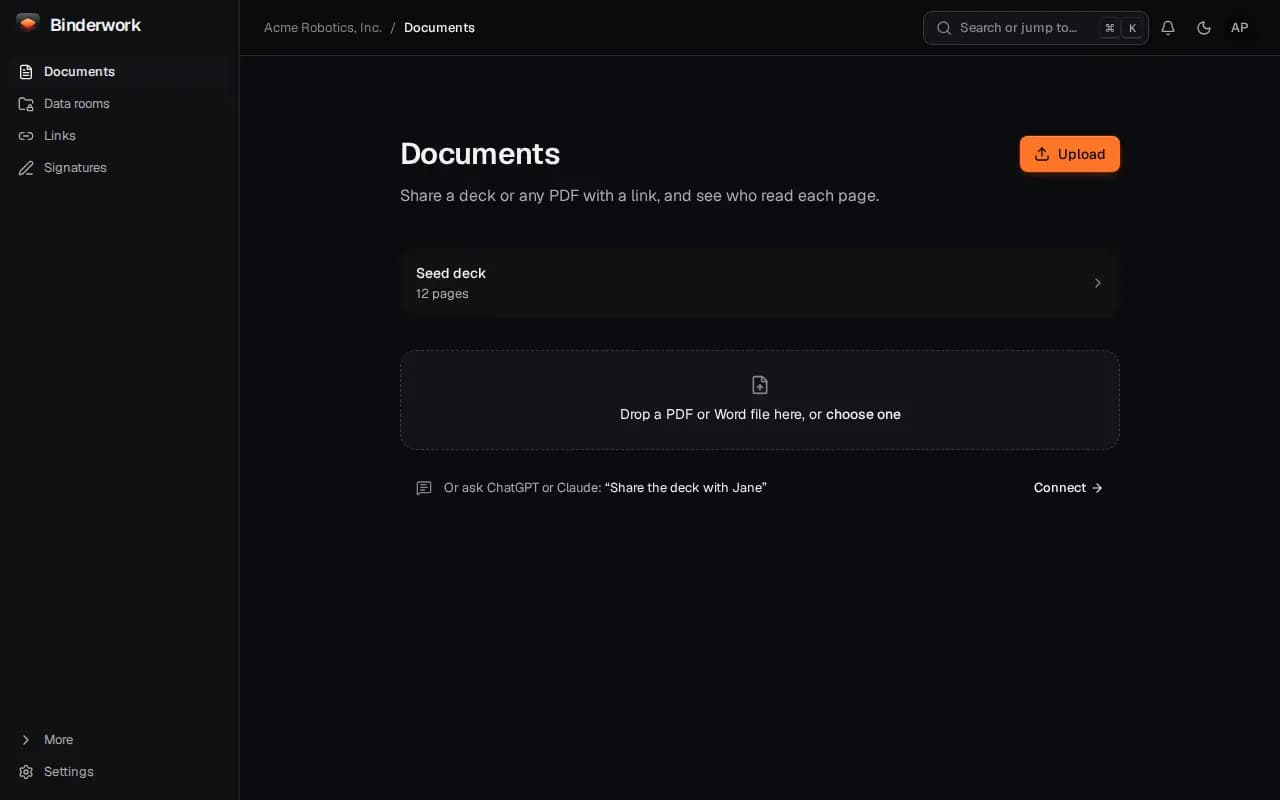
On Documents, choose Upload or drop a PDF or Word file. Nothing is shared until you make a link.
Make a link for one person
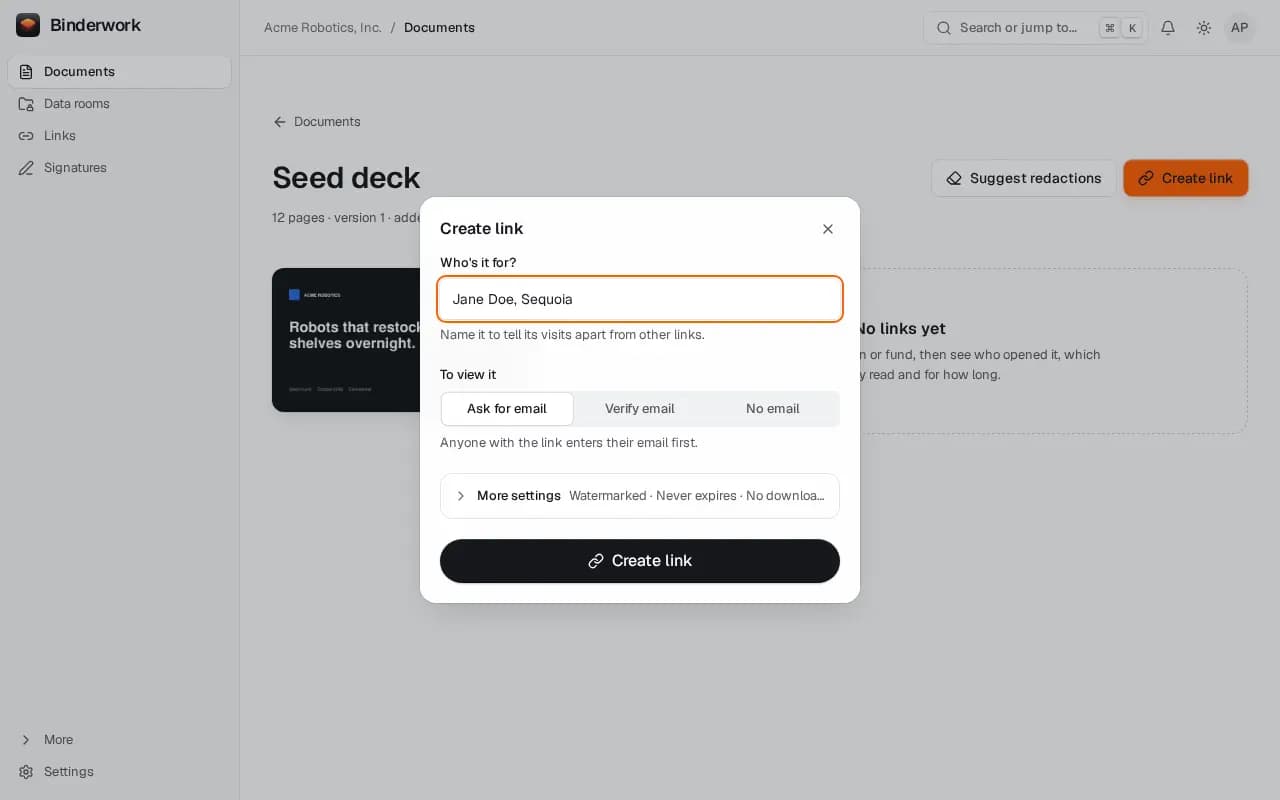
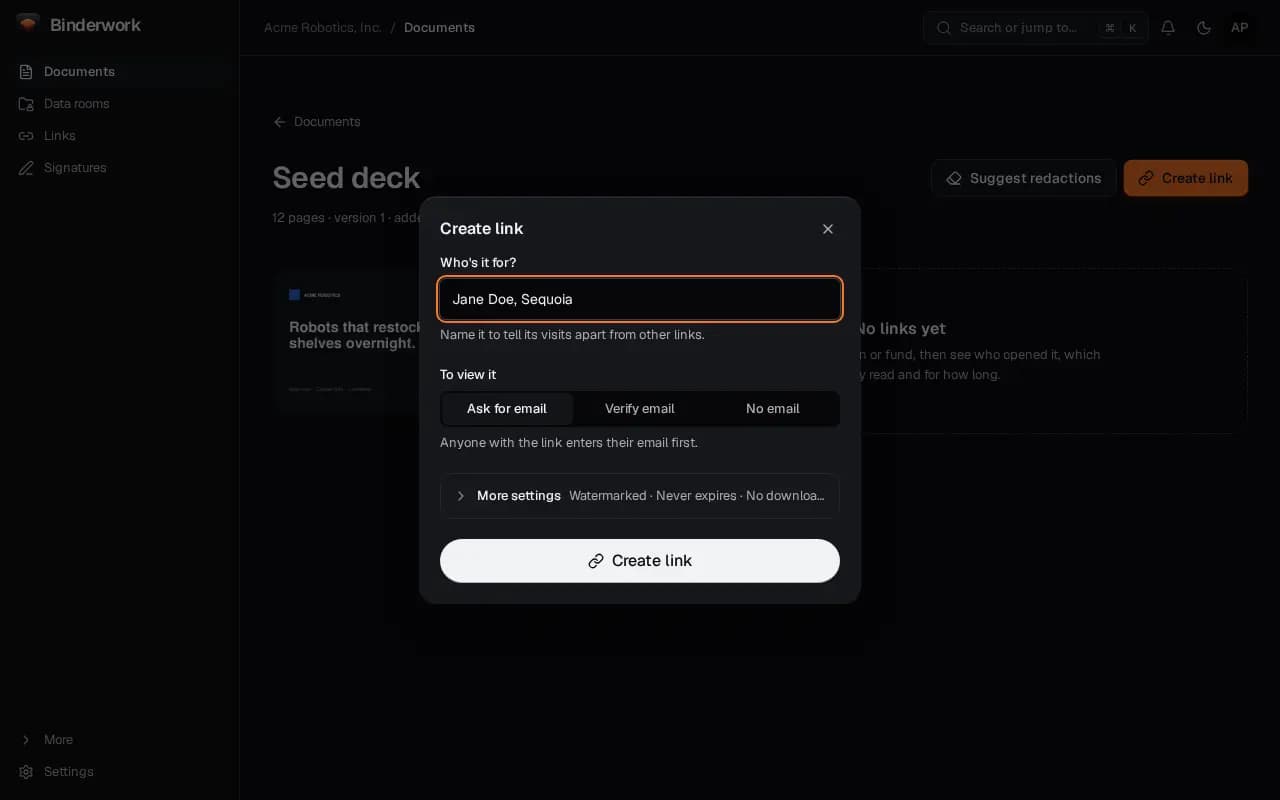
Choose Create link and name who it is for, so their visits stand apart. By default readers give their email, pages are watermarked and downloads are off; More settings changes that.
Send it yourself
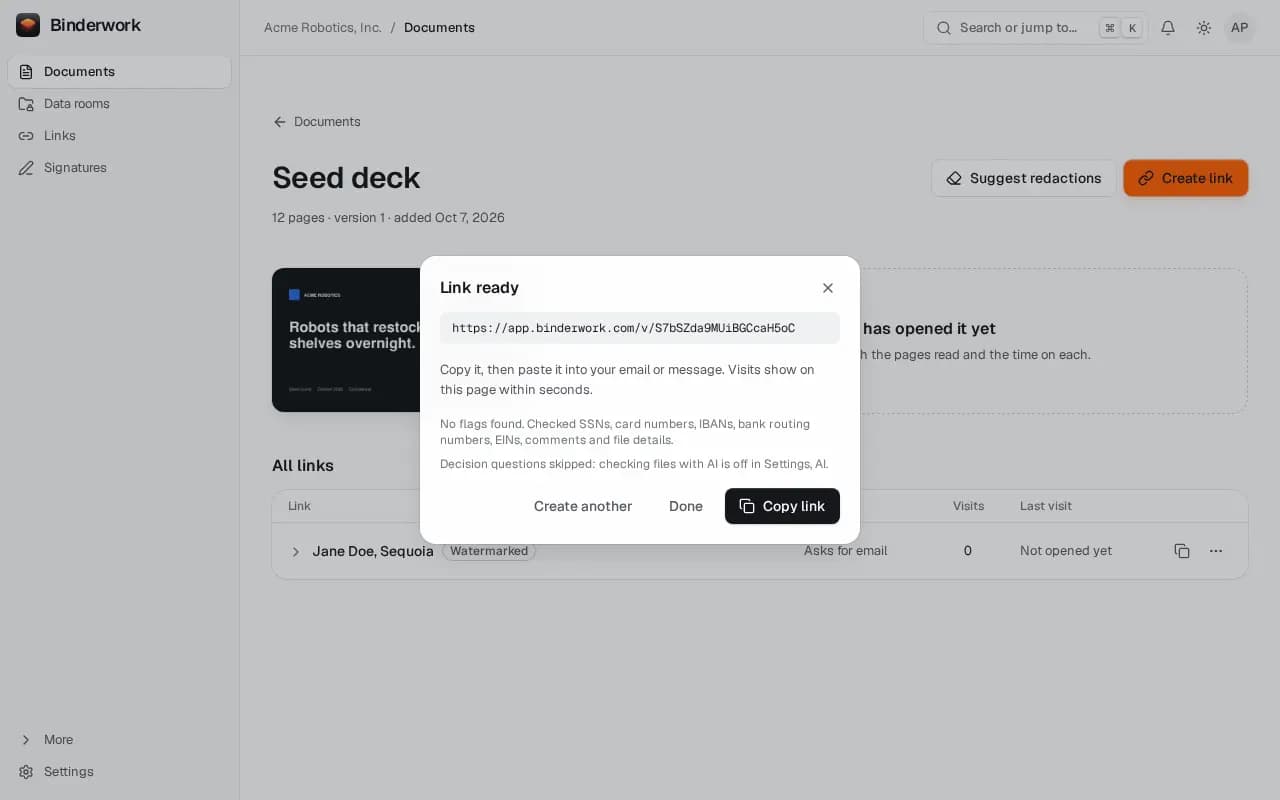
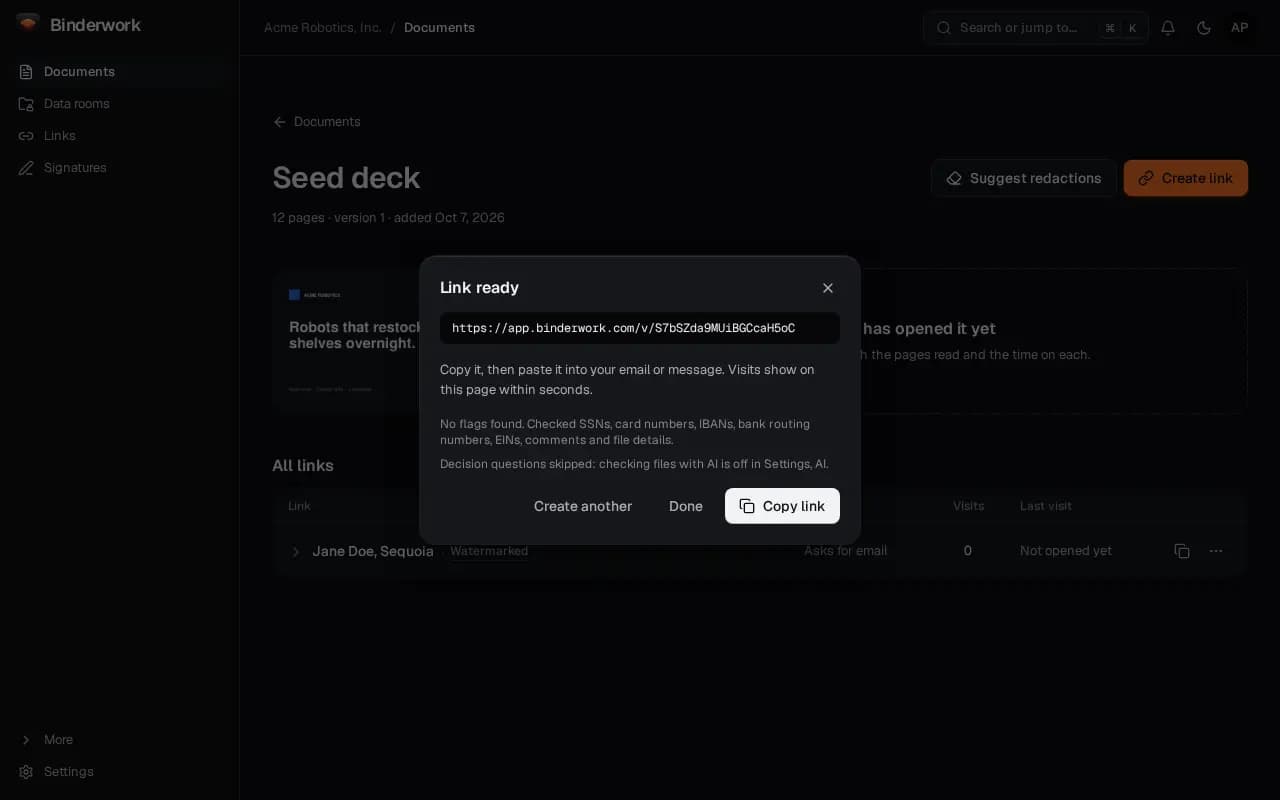
Copy the link into your own email or message. Binderwork never emails your investors for you.
See who read which pages
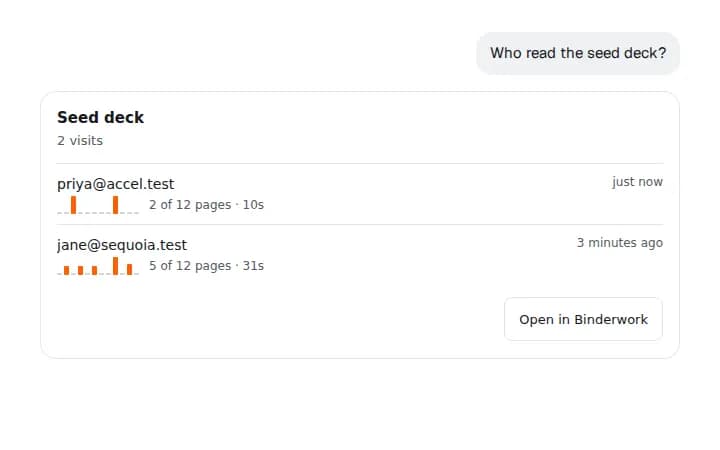
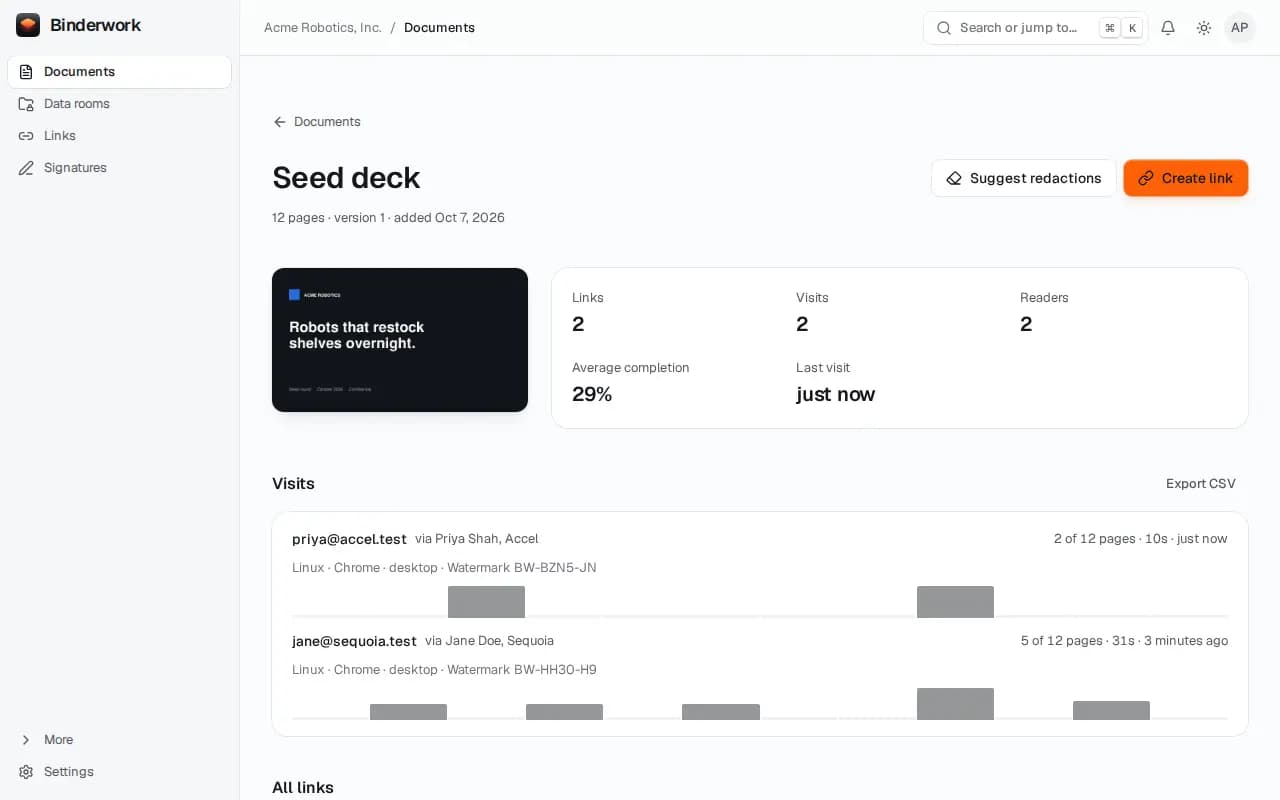
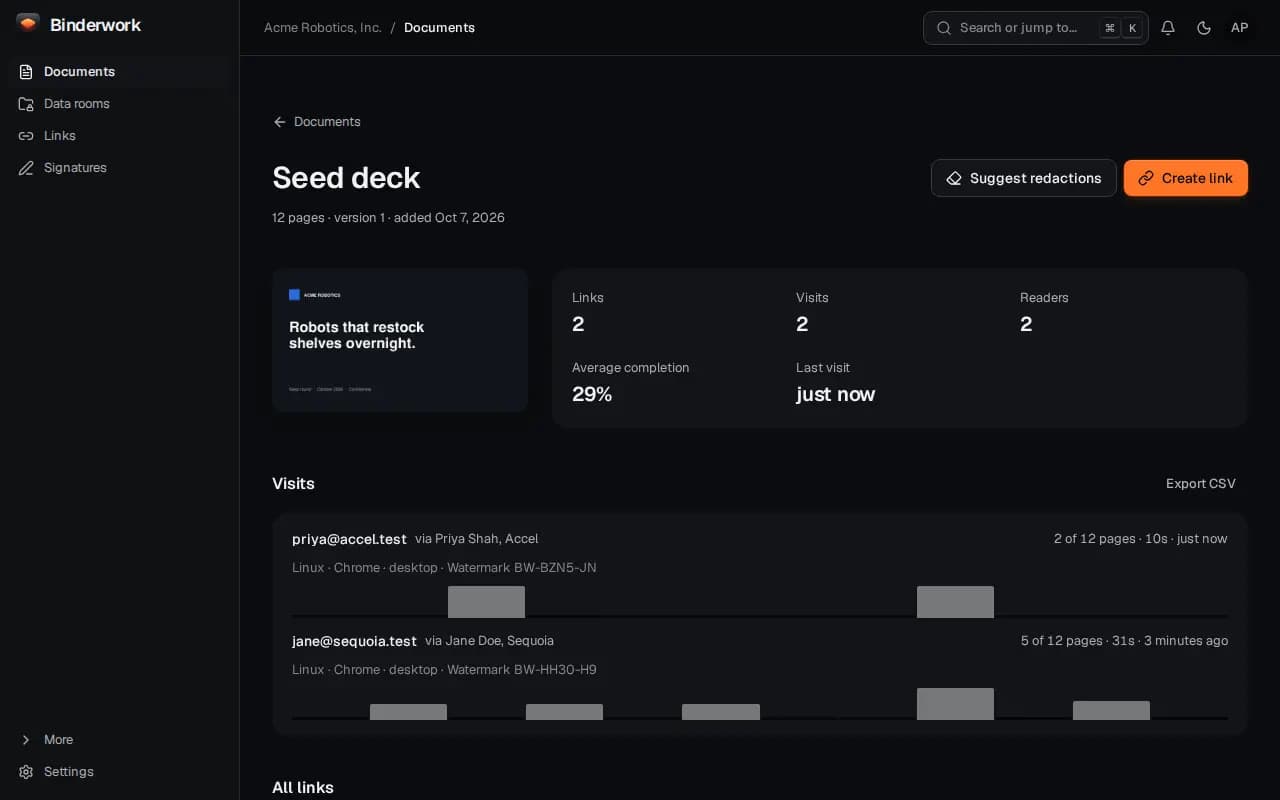
Each visit shows who opened it, how many pages they read and how long they spent on each. Readers choose whether to share page detail.
From ChatGPT or Claude
Once Binderwork is connected to your chat, ask in your own words. Your assistant drafts; anything that reaches another person waits for your approval in Binderwork.
Ask for a link
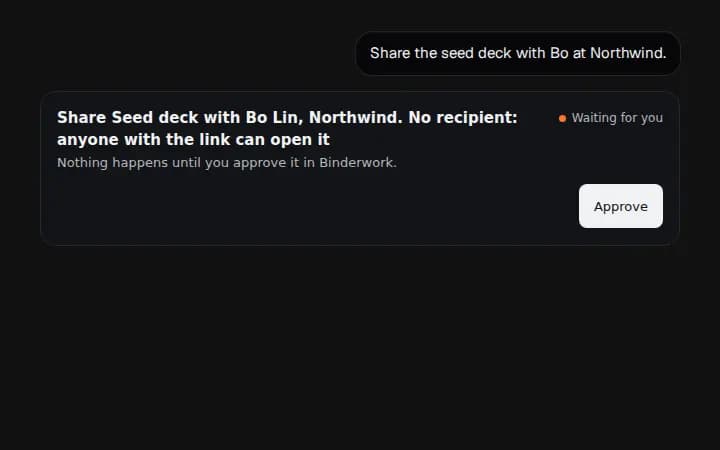
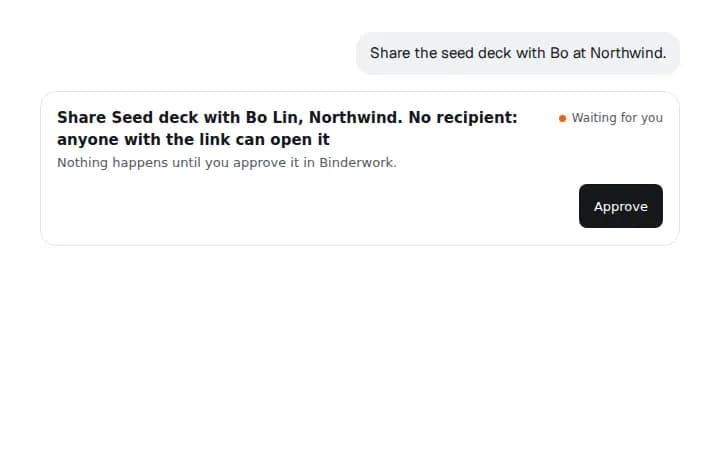
Say “Share the seed deck with Bo at Northwind.” A link your assistant makes waits for you: the card says so, and Approve opens Binderwork, where you confirm with your passkey.
Copy it from the card
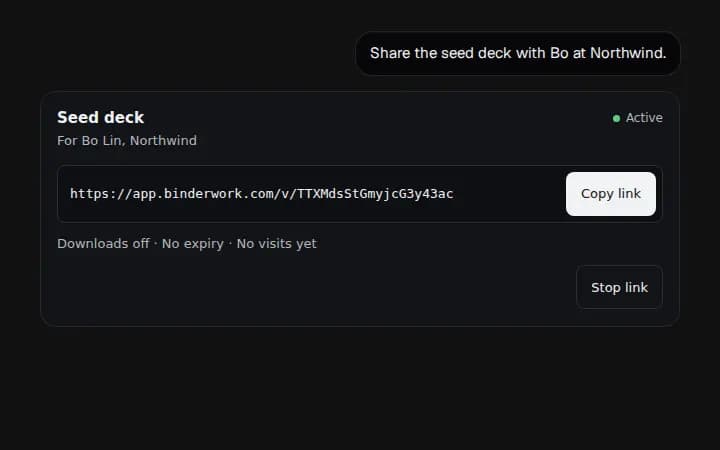
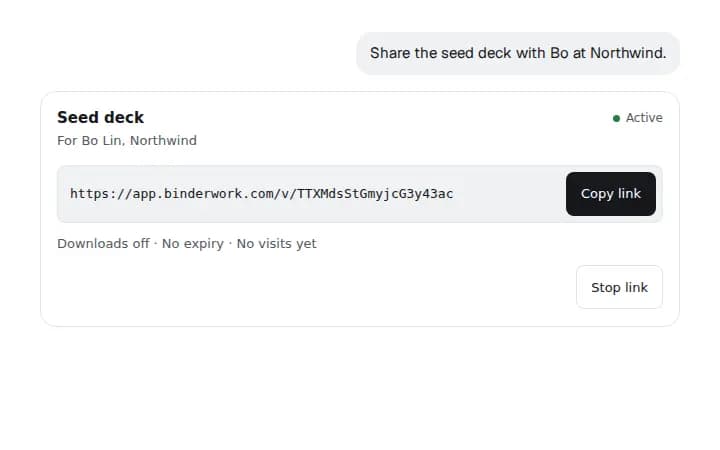
For investors already on a round, an admin can let these links go out at once in Settings. The card then holds the link, with Copy and Stop.
Ask who read it
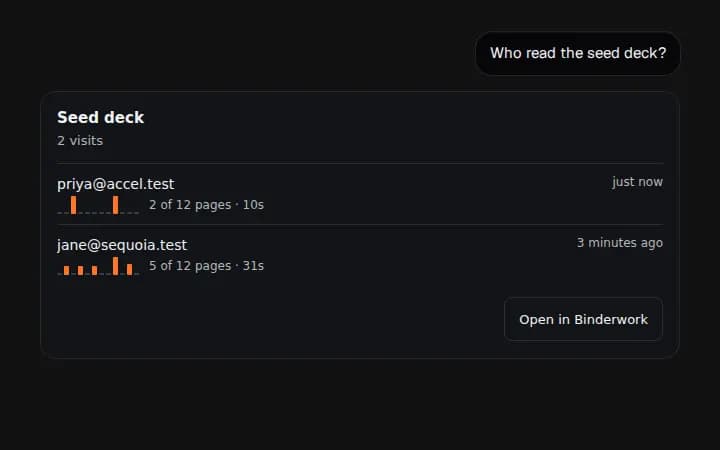
Say “Who read the seed deck?” The card lists each visit with the pages read.