The open-source DocuSign alternative
DocuSign is the default for e-signatures. For a startup's NDAs, offer letters and SAFEs, Binderwork signs with the same kind of evidence for free, and from your chat.
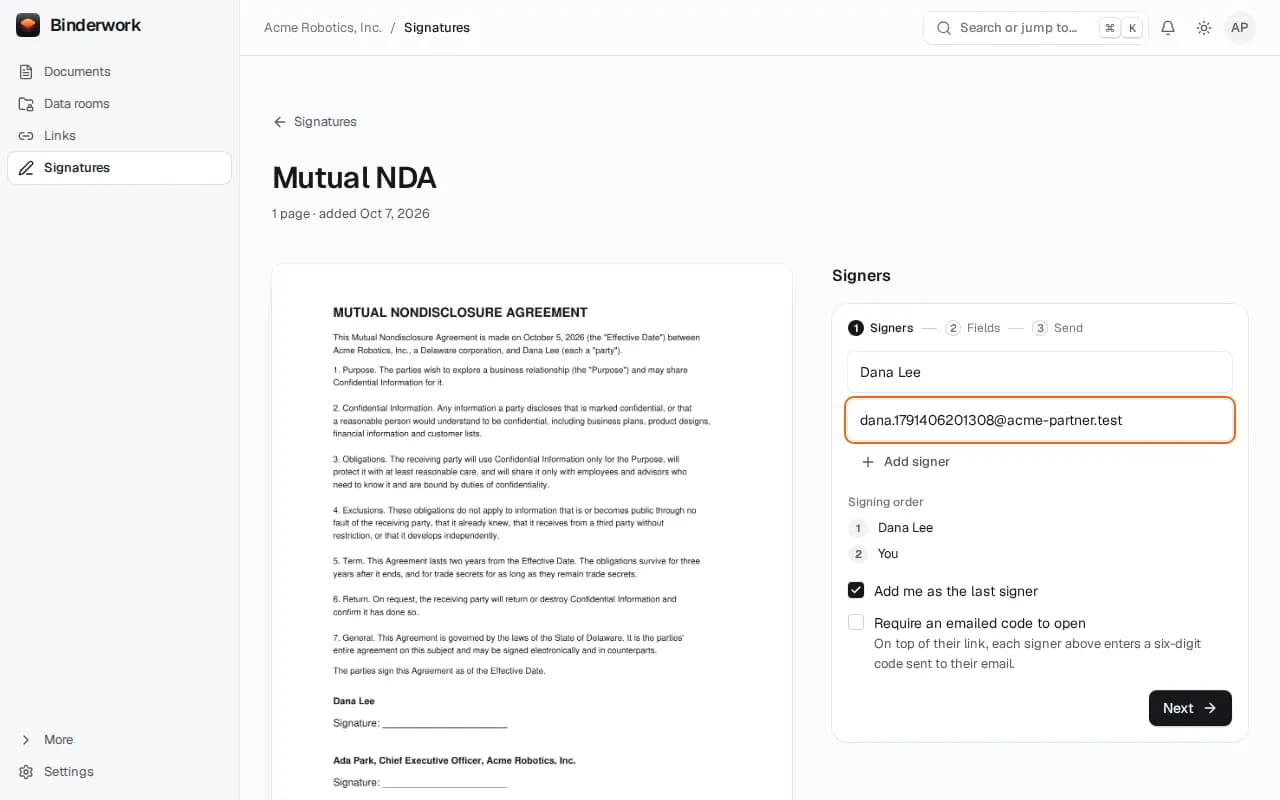
What you use in DocuSign, in Binderwork
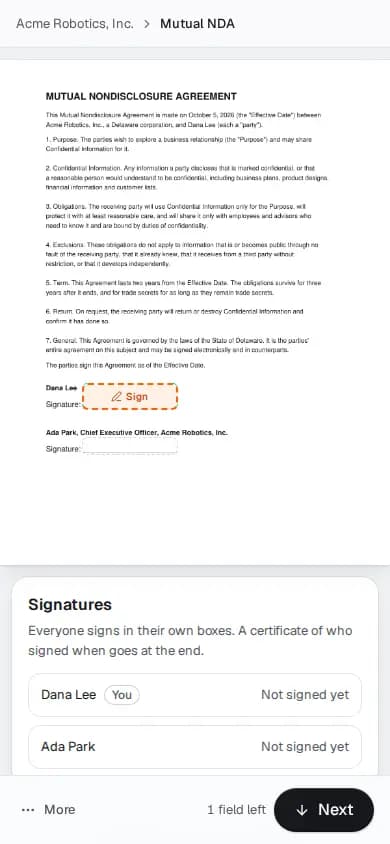
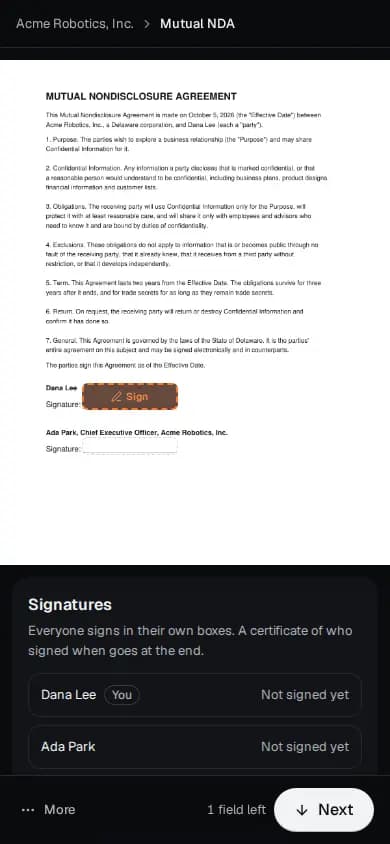
- Envelopes and signing order
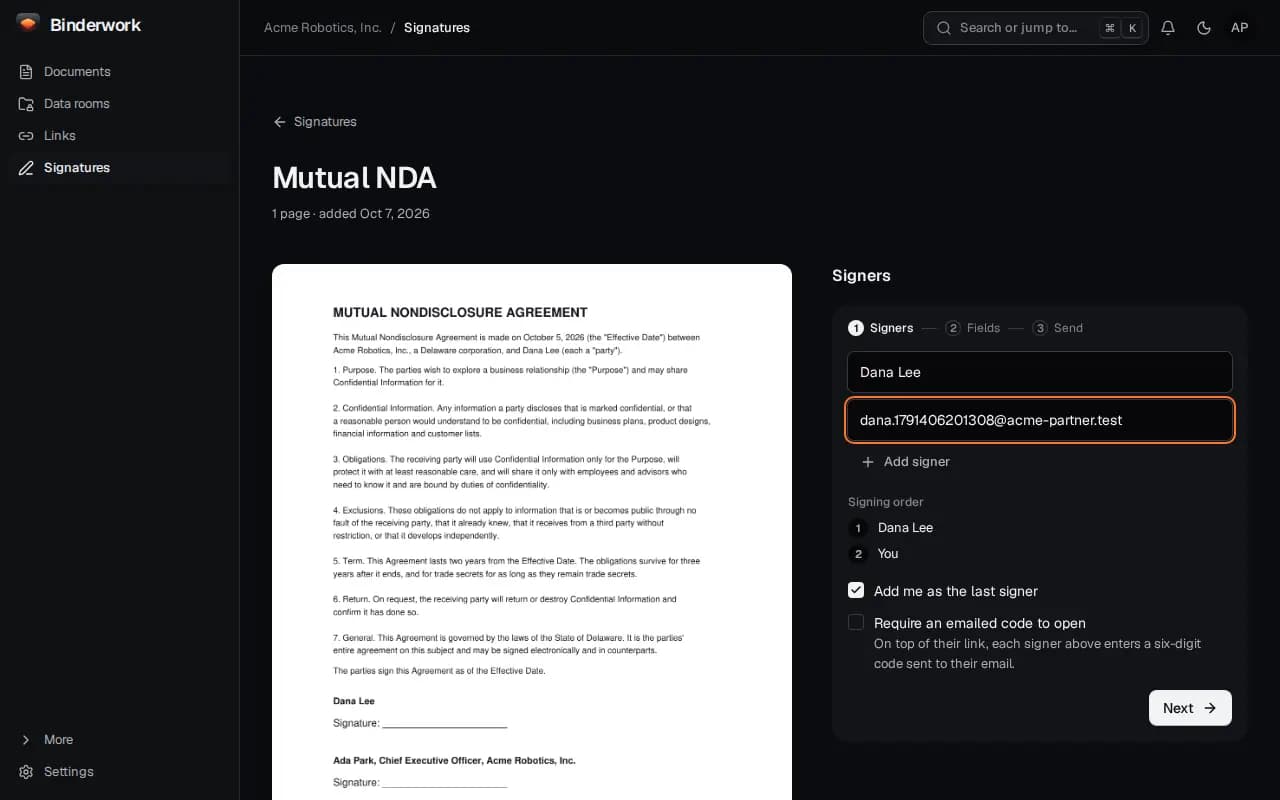
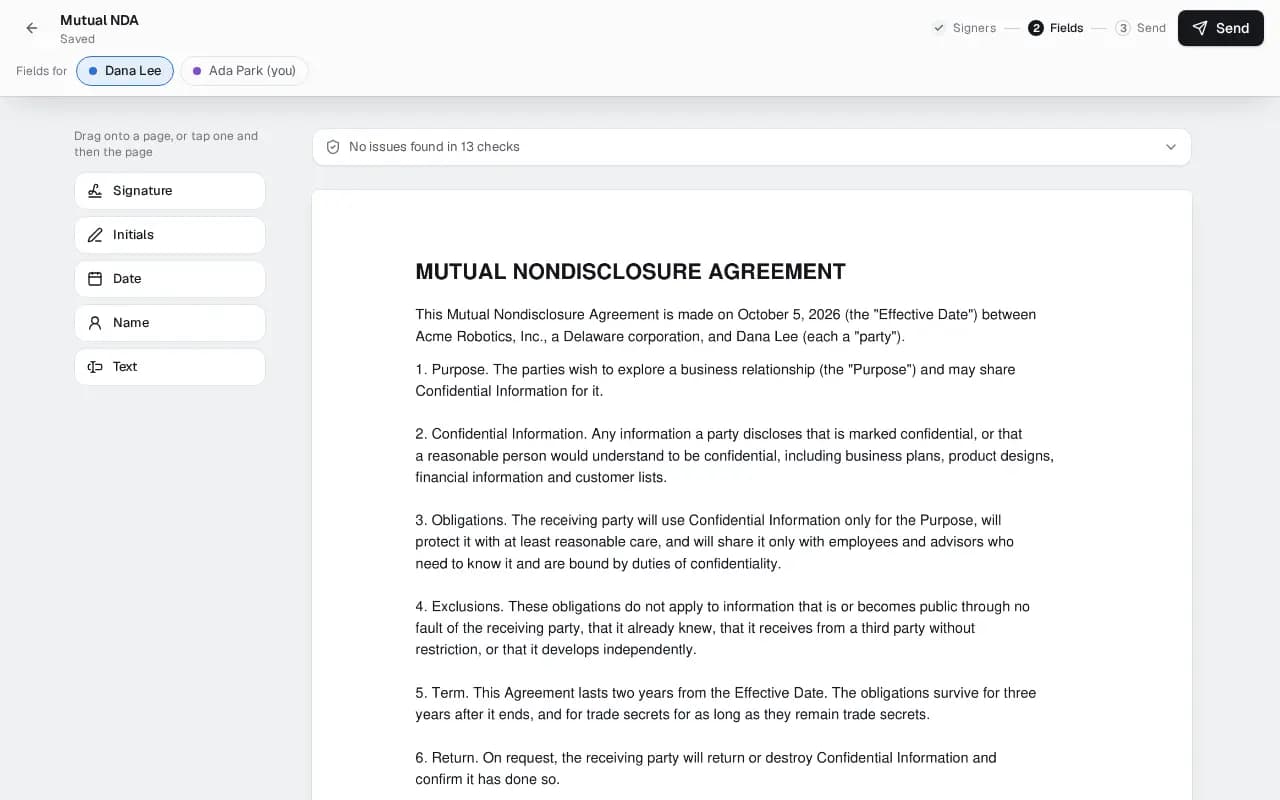
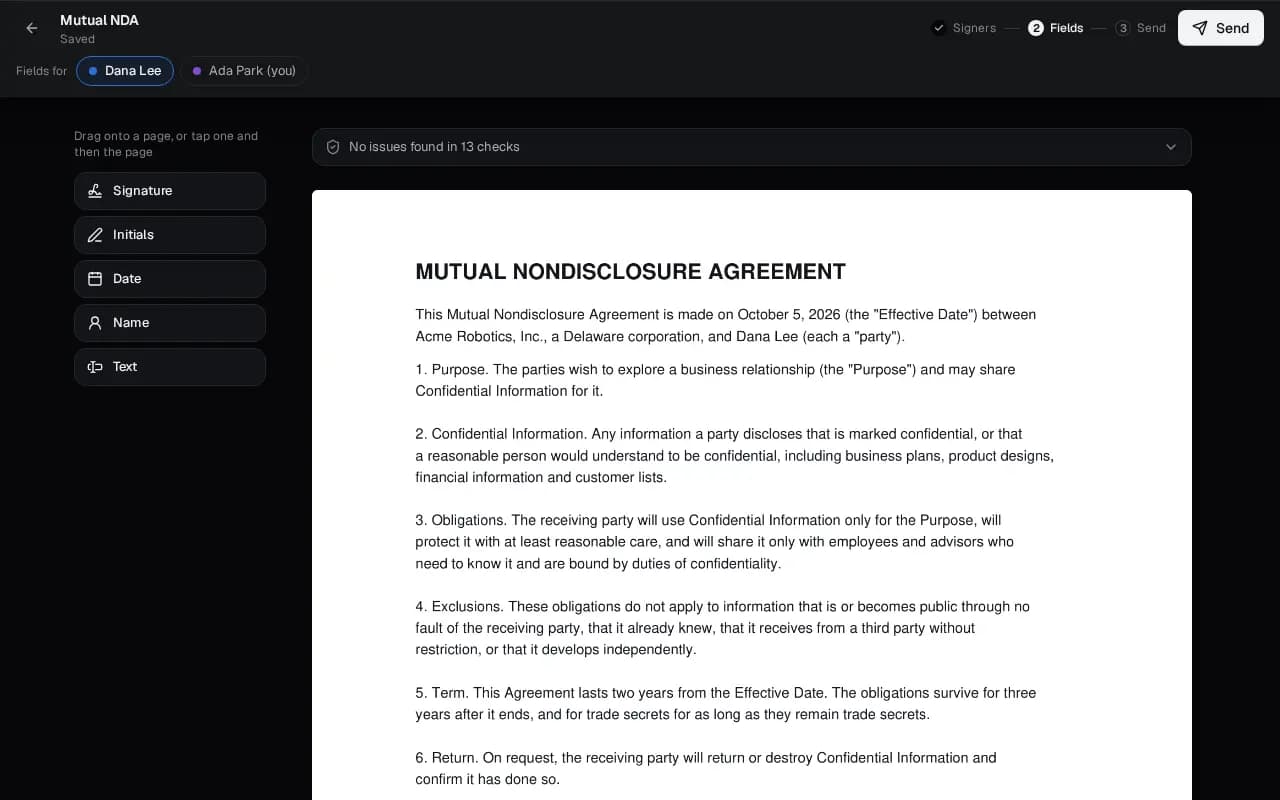
- Add signers, choose who signs first, and place fields or let Binderwork find the signature lines.
- Templates and bulk send
- Save an envelope as a template, then send one to each person on a list.
- Reminders and expiry
- Reminders land in each signer's morning, until the date the link stops working.
- Signer authentication
- A code emailed to the signer before they see the document, when you ask for one.
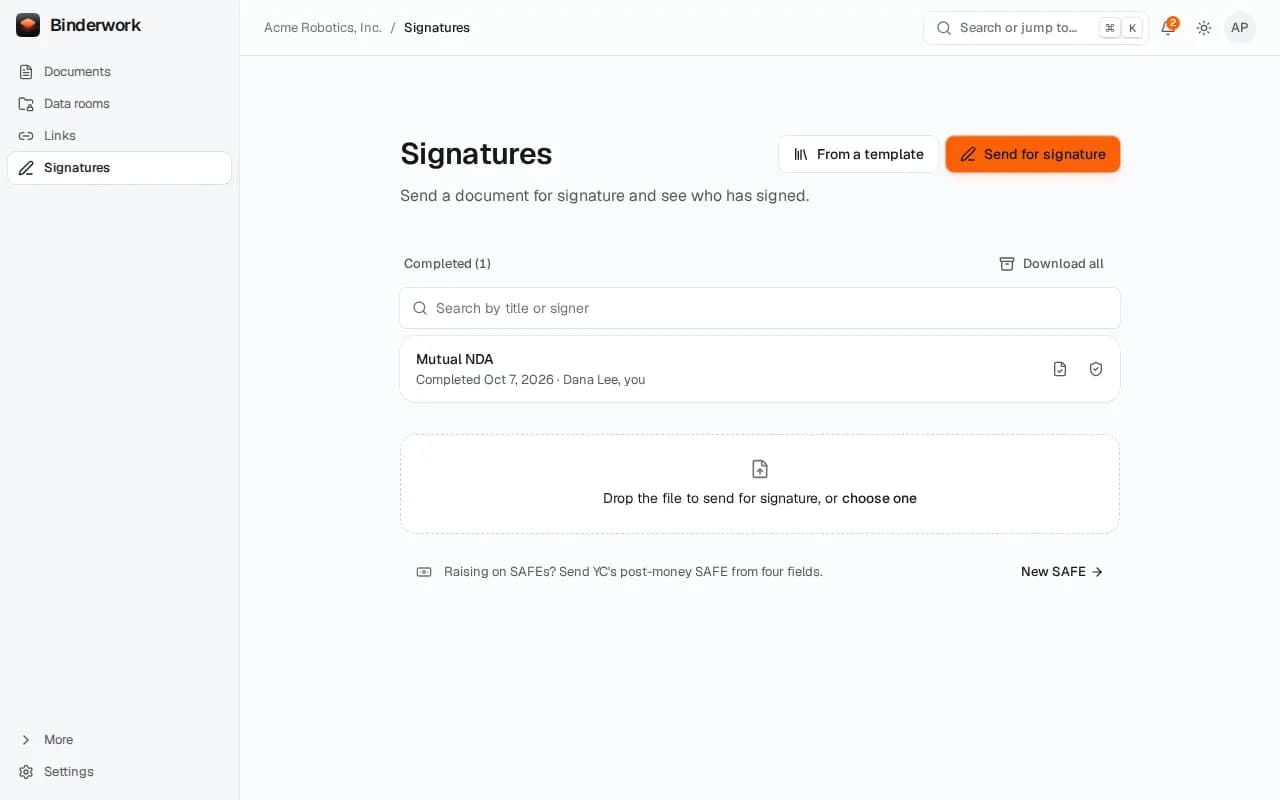
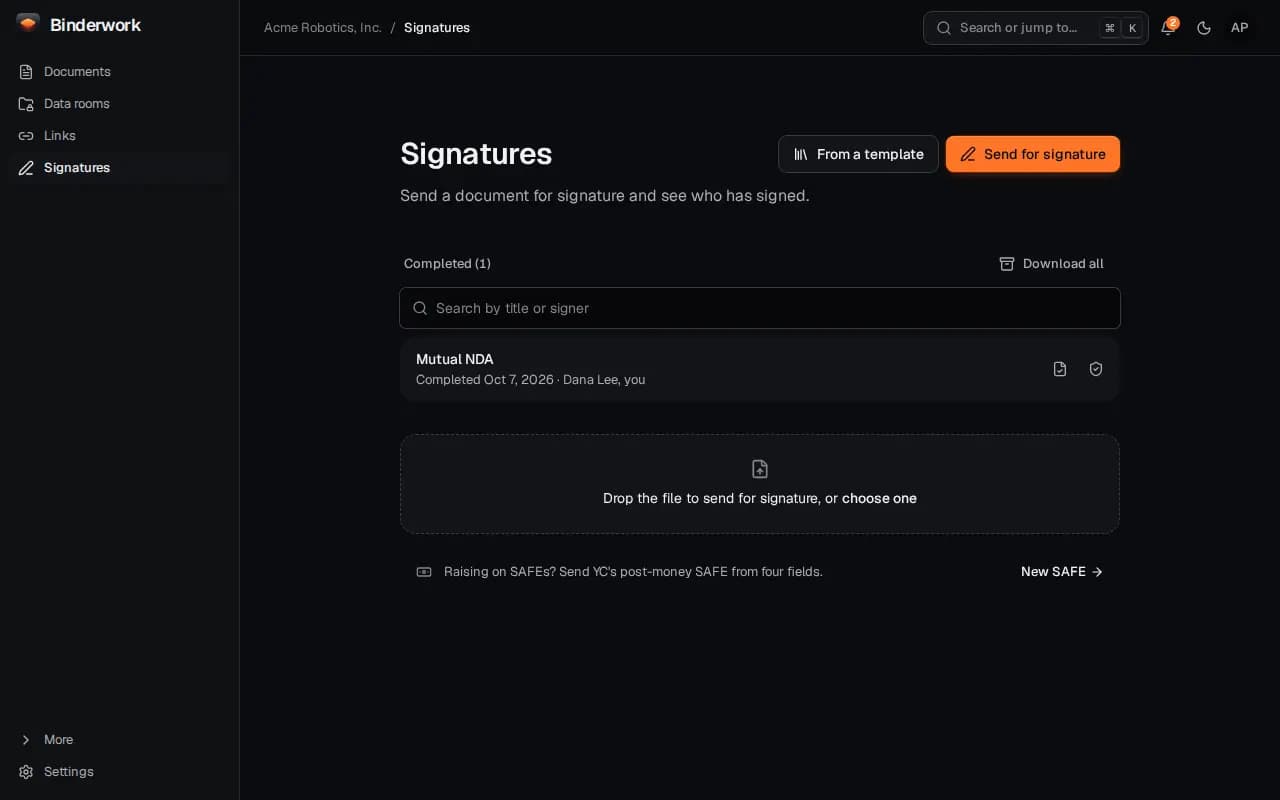
- Certificate of completion
- The signed PDF carries a seal, an RFC 3161 timestamp and a certificate of each step.
- Verify a signed PDF
- Anyone can drop it on app.binderwork.com/verify to see whether it changed.
Side by side
- Price
- Binderwork$0, every feature
- DocuSignAbout $11 a month for one person, $30 to $45 per user a month for teams, on annual plans
- Envelopes
- BinderworkNo limit
- DocuSignAbout 100 per user a year on team plans
- Signing order, reminders and void
- BinderworkYes
- DocuSignYes
- Signers need no account
- BinderworkYes
- DocuSignYes
- Sealed PDF and certificate of completion
- BinderworkYes
- DocuSignYes
- Deck sharing with page analytics
- BinderworkYes, included
- DocuSignNo
- SAFEs, the register and the cap table
- BinderworkYes
- DocuSignNo
- Open source and self-hostable
- BinderworkYes, AGPL-3.0
- DocuSignNo
Where DocuSign is better
- Qualified and advanced signatures in the EU through its trust services, and notarisation.
- Hundreds of integrations, payments at signing, and contract management for large teams.
- A long record in courts and with counterparties, and a compliance program you can review.
Where Binderwork is different
- Free with no envelope count, so a seed round's paperwork never meets a quota.
- “Send Dana the NDA, I'll sign after her” in ChatGPT or Claude prepares the envelope; you tap Send.
- The SAFE you send is checked word for word against Y Combinator's form and lands on your register when it executes.
Moving from DocuSign
- Upload your templates as PDFs or Word files, place the fields once and save them as templates.
- Import SAFEs you signed in DocuSign with their certificate of completion, so the register starts complete.
- Keep DocuSign for anything that needs a qualified signature; use Binderwork for the rest.
DocuSign's prices and features from Signeasy, DocuSign pricing (2026), checked on Oct 2, 2026. Prices change, so check DocuSign's own page. DocuSign is a trademark of DocuSign, Inc., which has no connection with Binderwork.