Hire your first people
Post the job with its pay range, run every candidate on a board, and send the offer and CIIAA for signature. From the app or by asking your assistant.
In Binderwork
On binderwork.com or your own instance, in a browser on any device.
Post the job
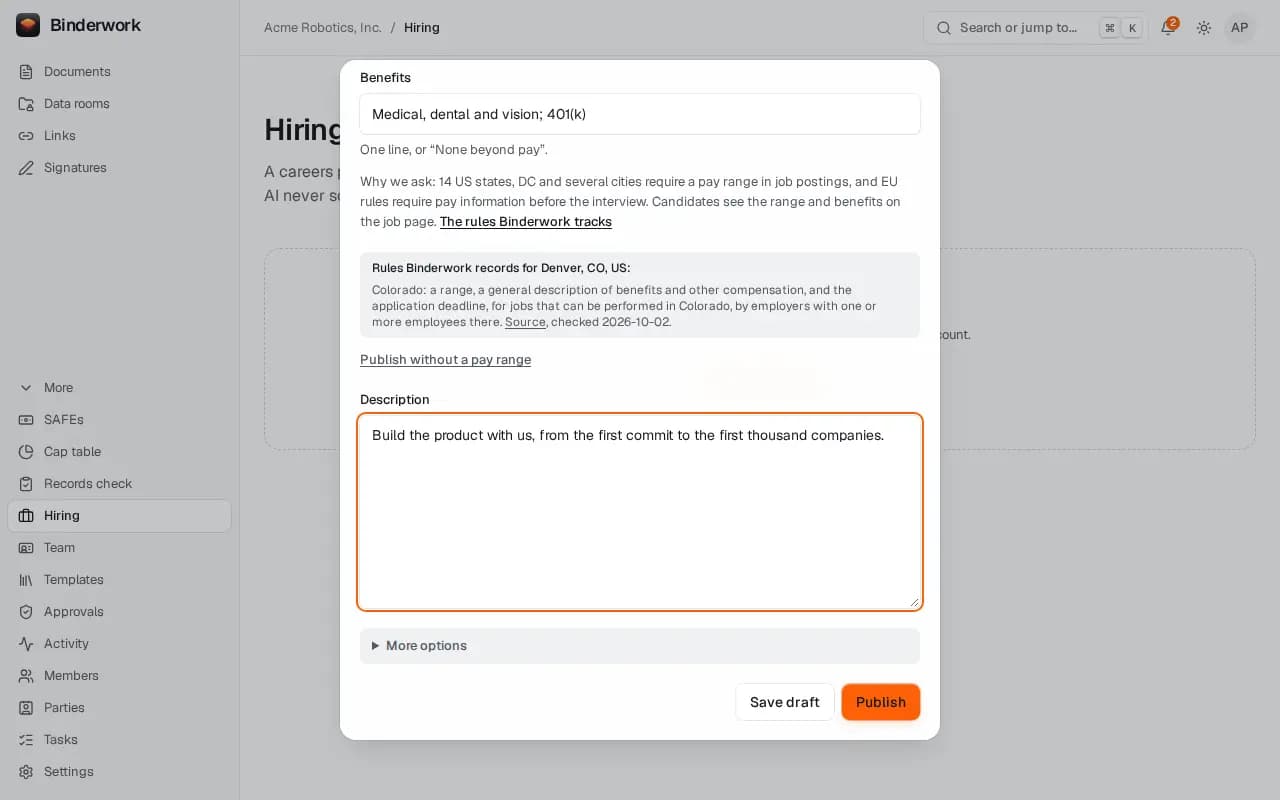
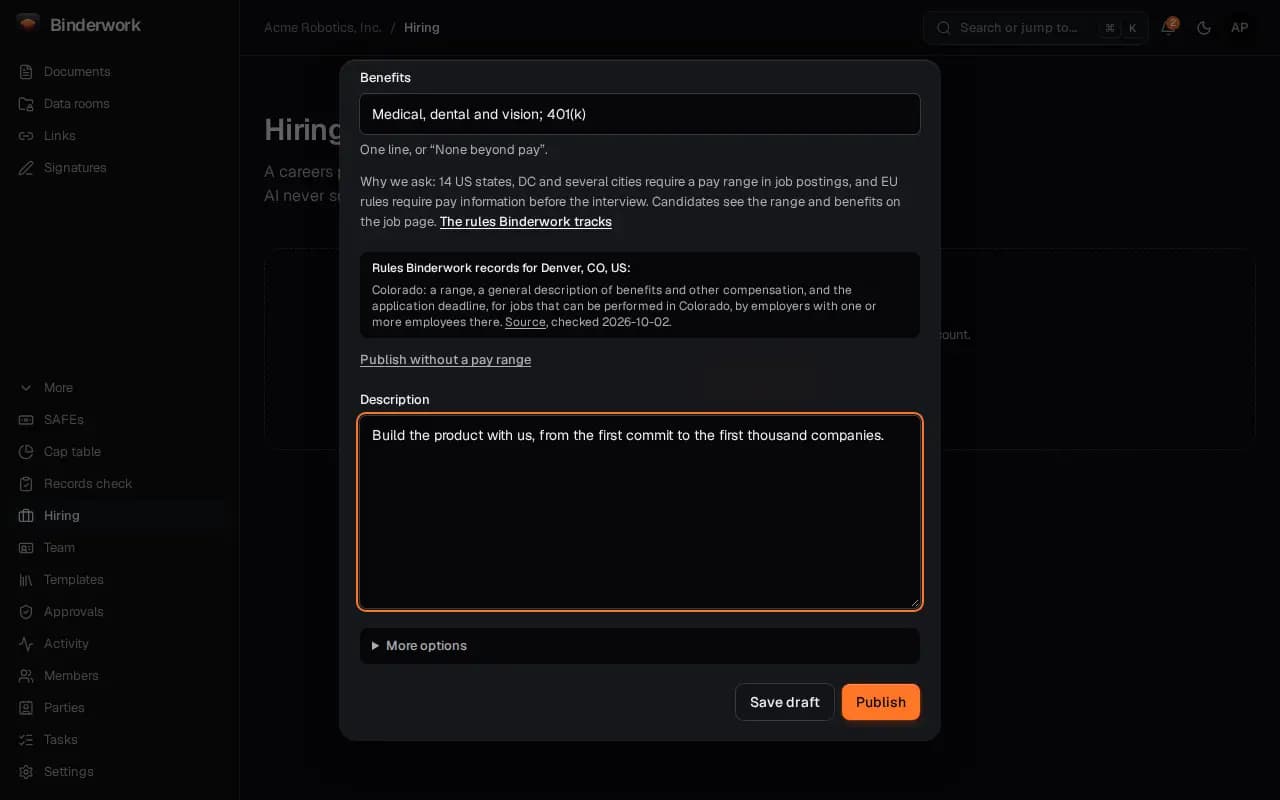
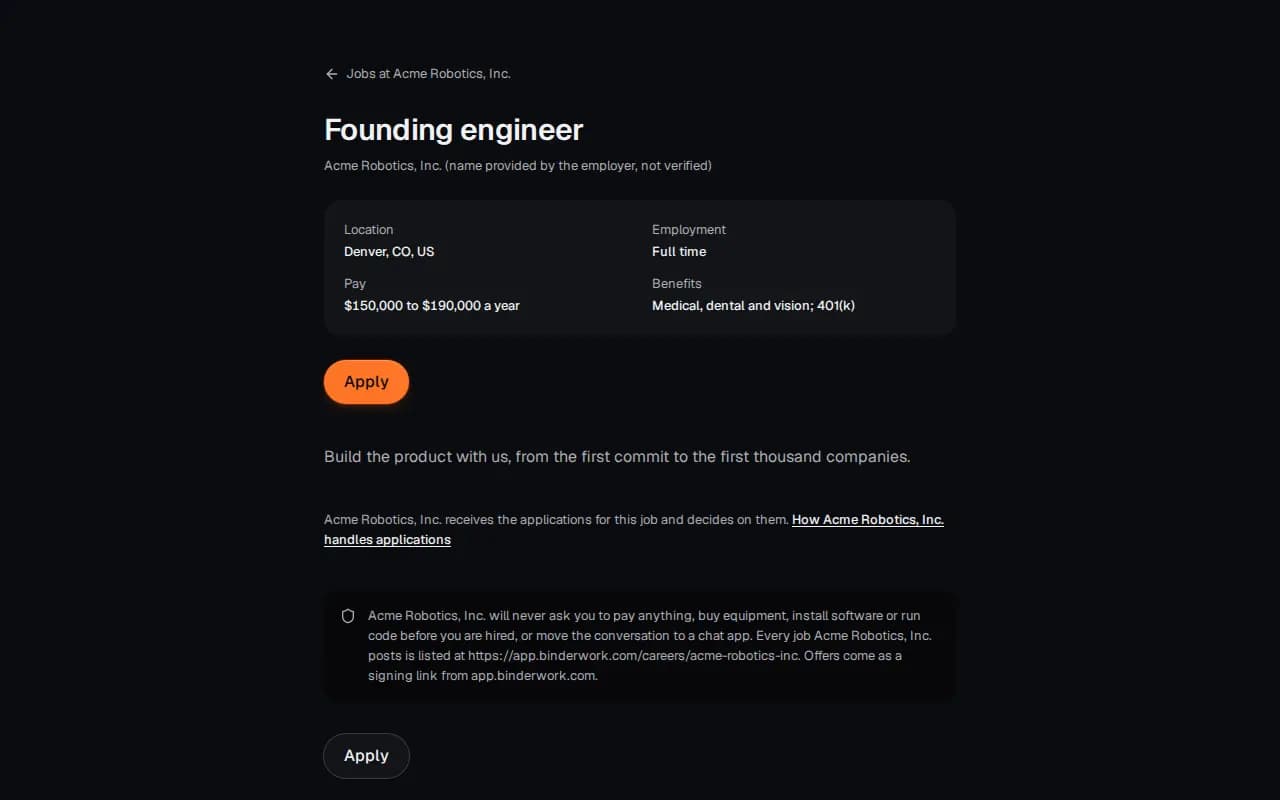
In Hiring, Post a job asks for the title, the place, the pay range and what the job is. Publish puts it on your careers page.
Your careers page
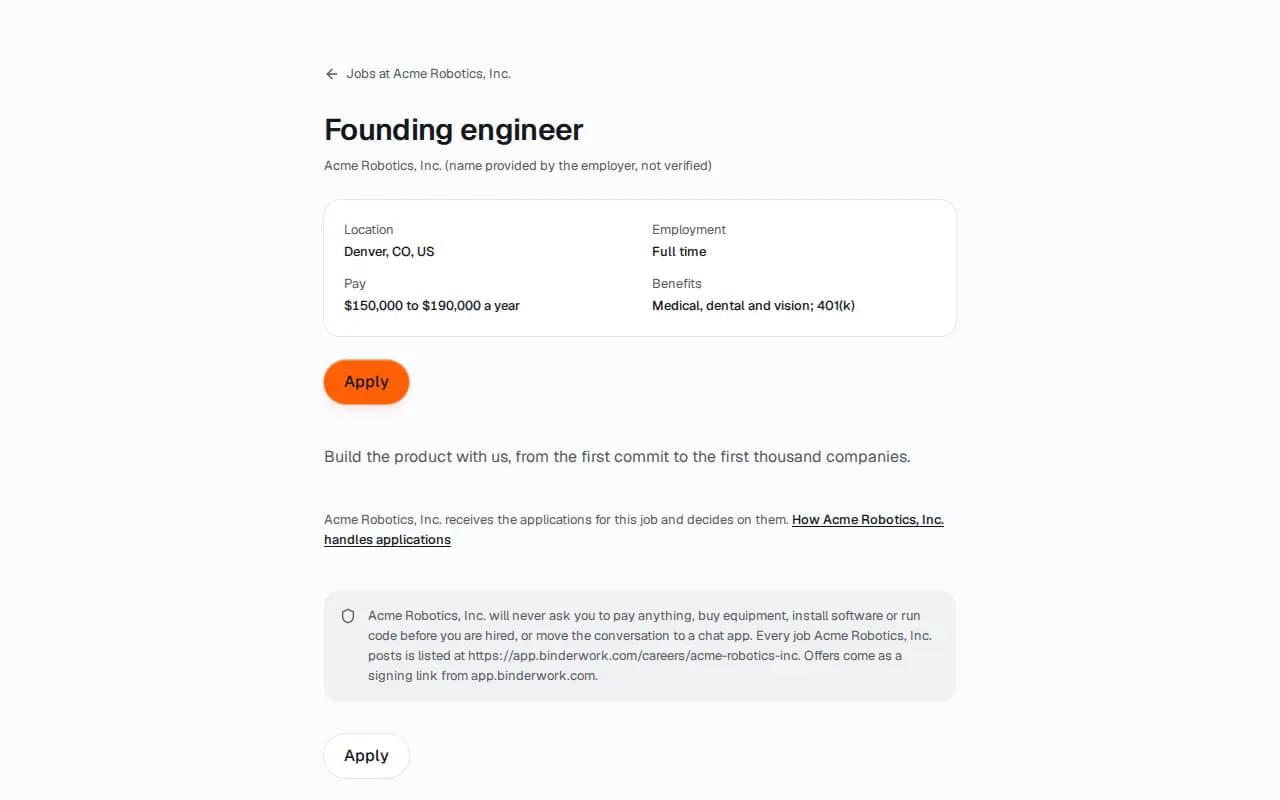
Each job has its own page with the pay range and an apply form, and Google's job search can read it. Post it elsewhere gives the text and links for LinkedIn, Indeed and Wellfound.
Run the board
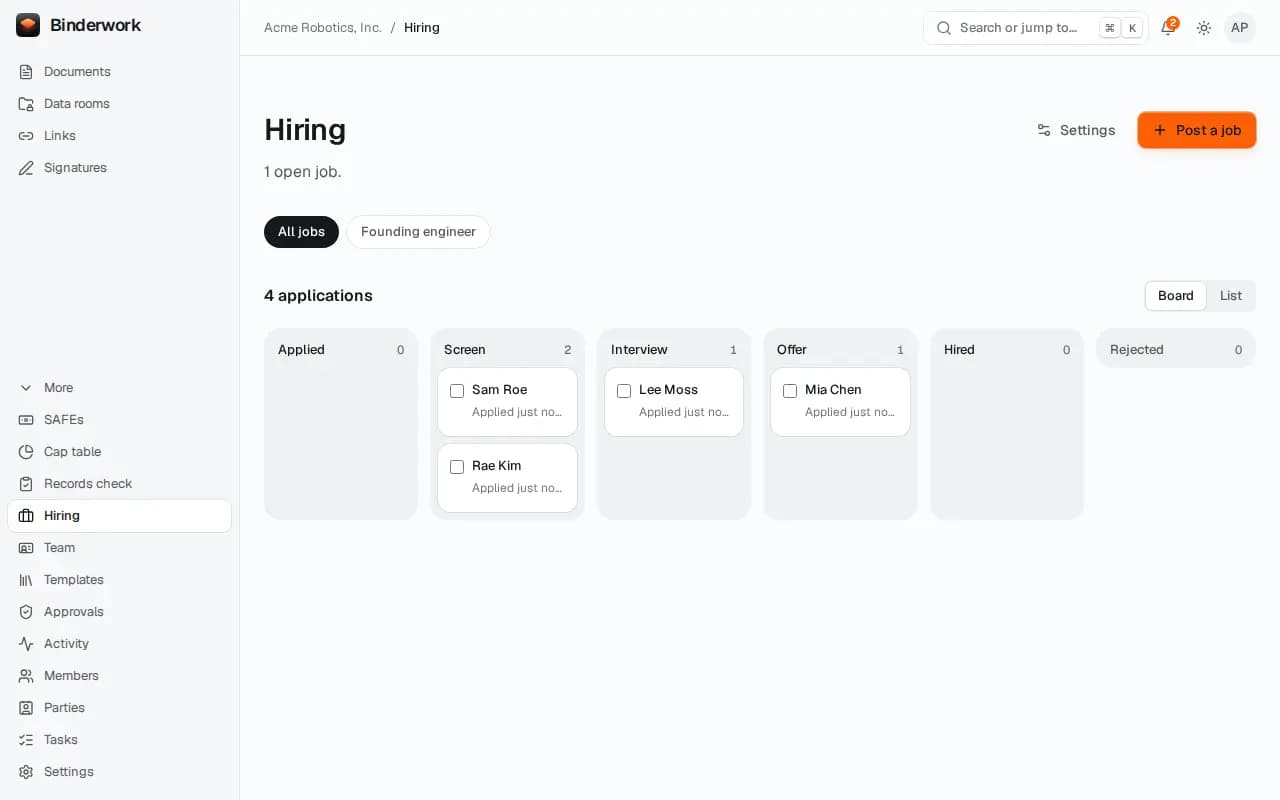
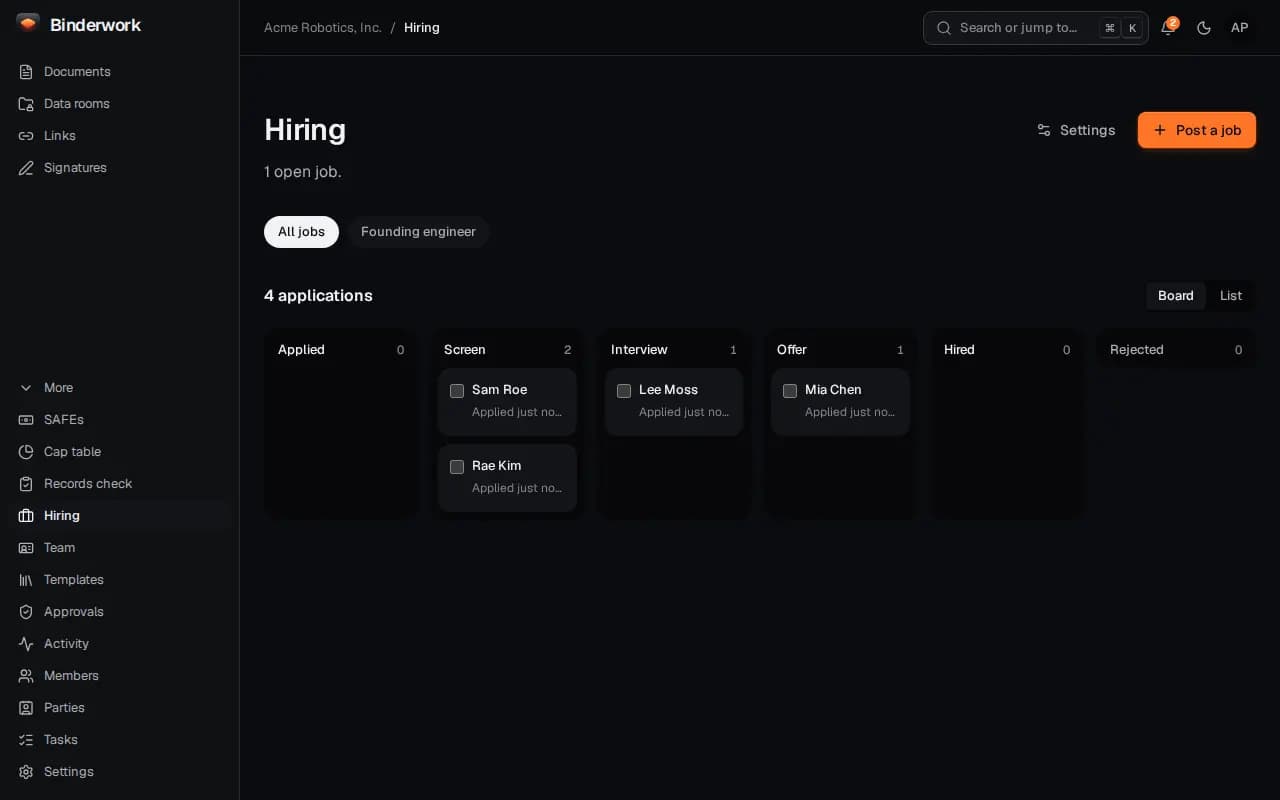
Applications land in Applied. Drag a card to the next stage, press a stage's number key, or select several and move them at once.
Each candidate
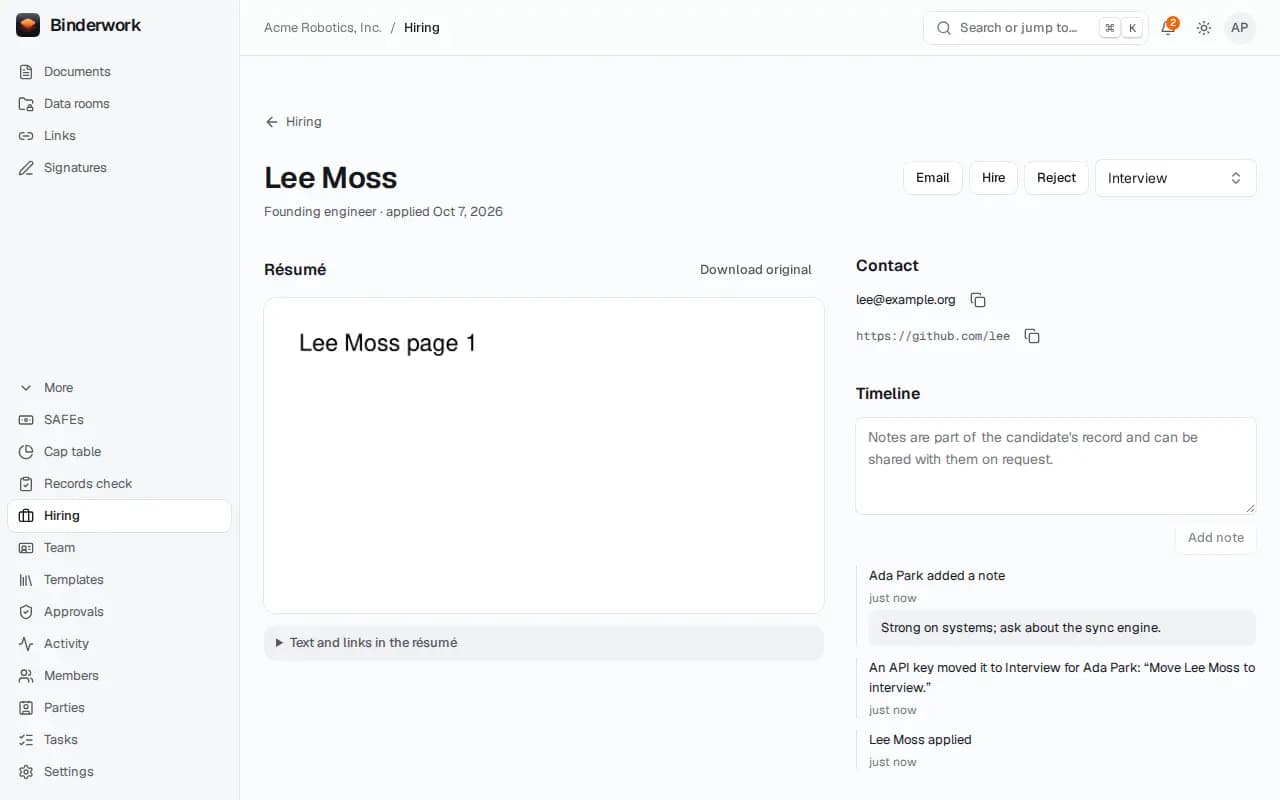
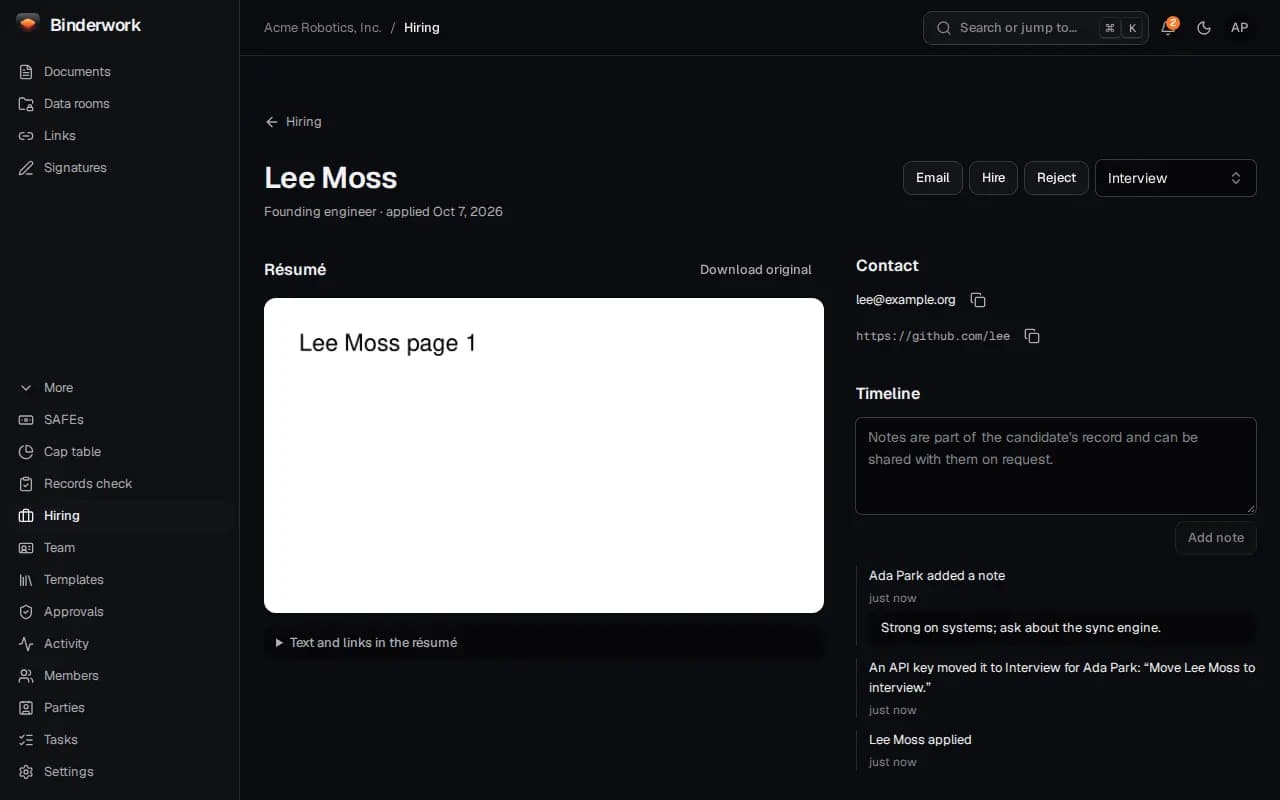
A candidate's page has the résumé as pages to read, their answers and links, your team's notes and every step so far.
Send the offer and the CIIAA
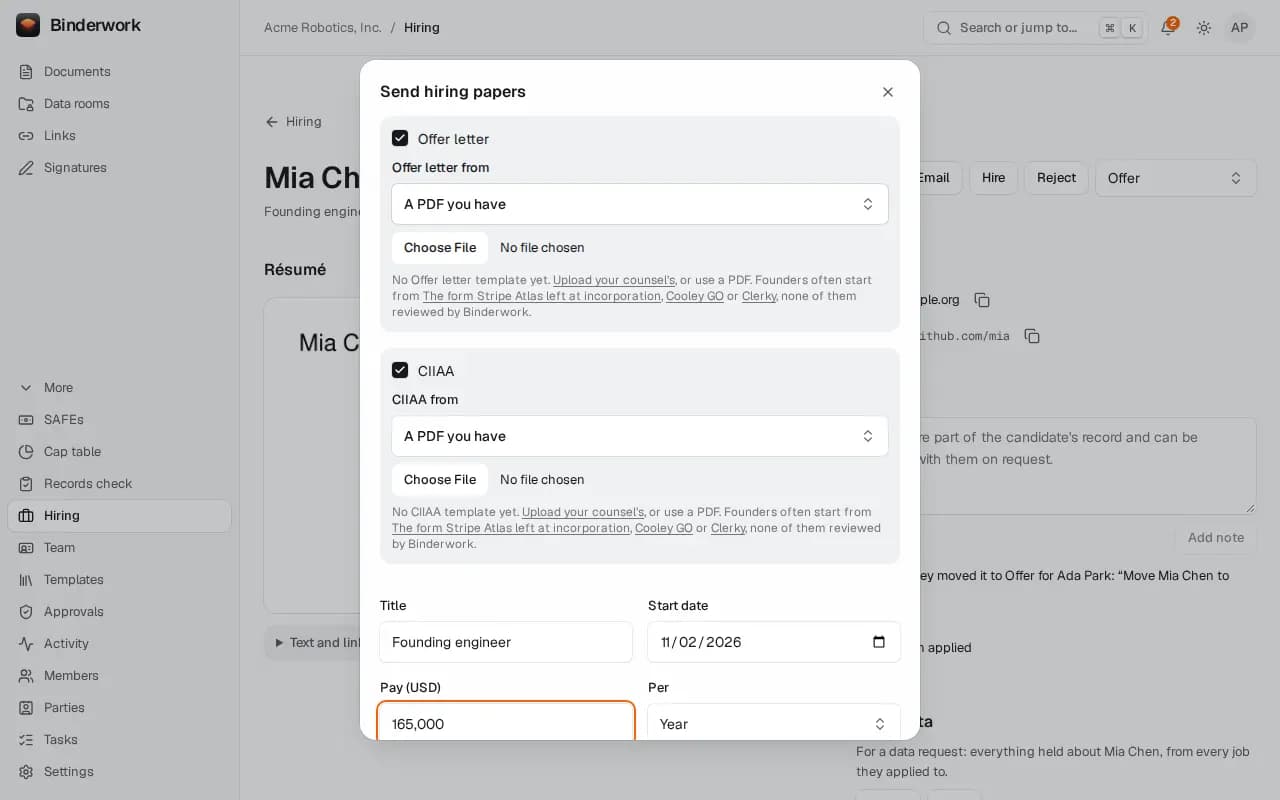
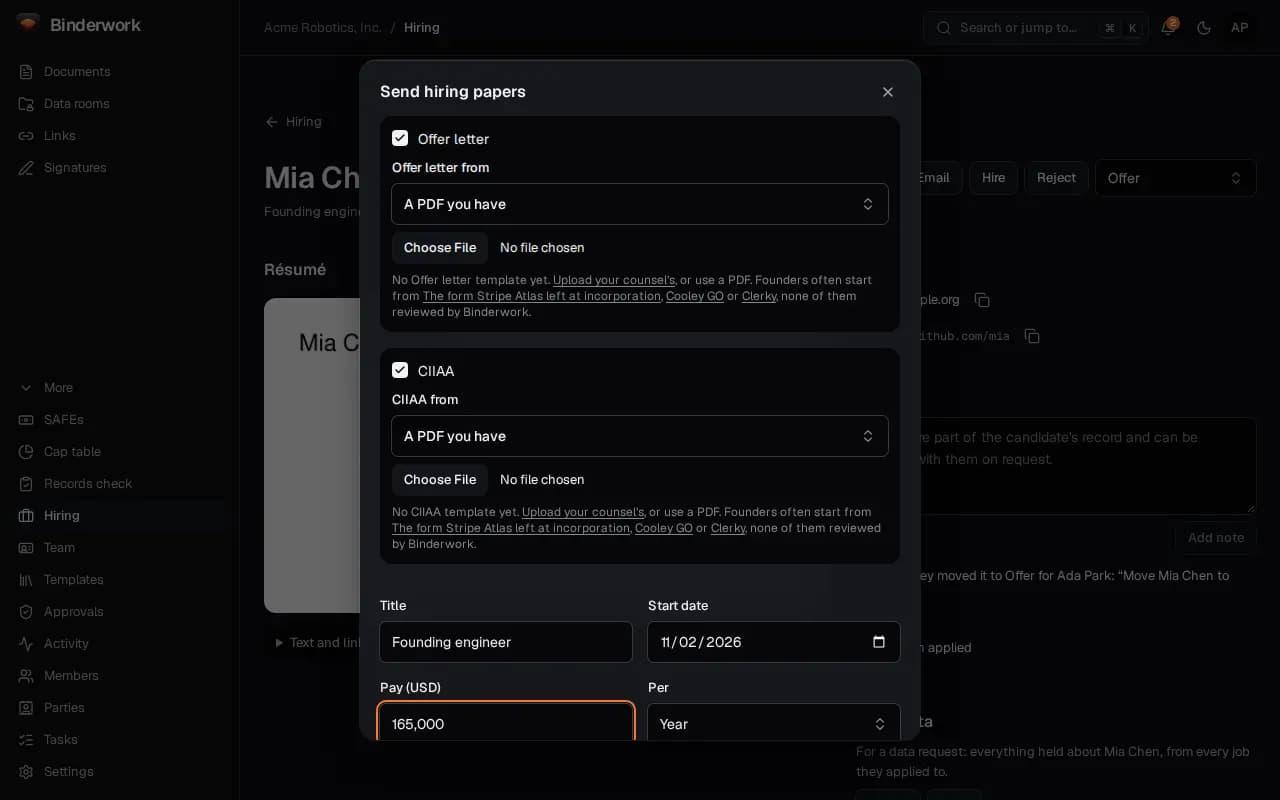
In Offer, Send hiring papers sends the offer letter and the CIIAA together, from your own templates or PDFs. The signed offer makes the hire.
From ChatGPT or Claude
Once Binderwork is connected to your chat, ask in your own words. Your assistant drafts; anything that reaches another person waits for your approval in Binderwork.
Ask where hiring stands
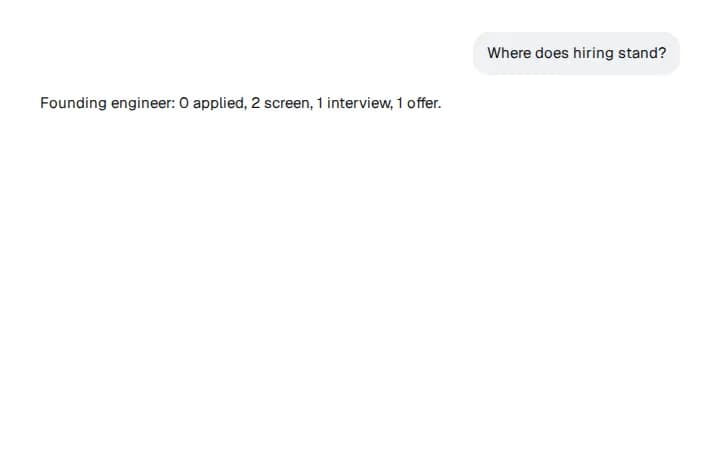
Turn on Hiring in your chat settings, then ask “Where does hiring stand?” Binderwork answers with each job and how many candidates are at each stage.
Email and move candidates
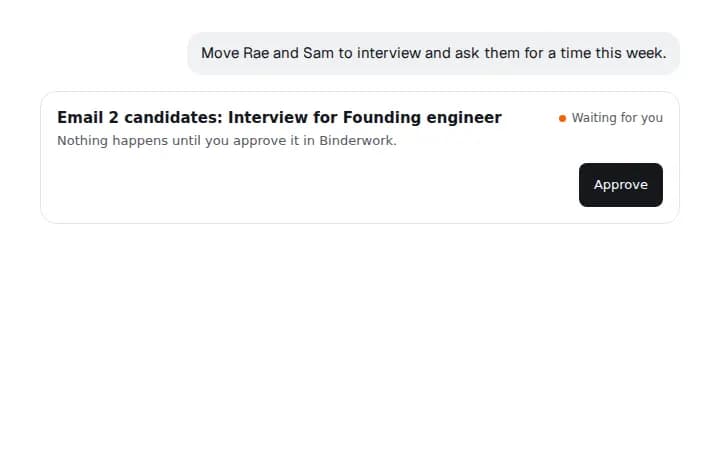
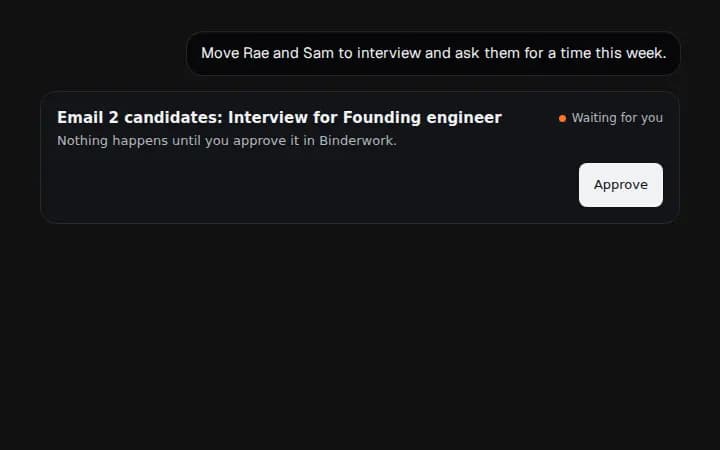
Say “Move Rae and Sam to interview and ask them for a time this week.” The emails go from you and wait for your approval, then ten minutes more, so you can undo them.