Send an agreement for signature
Signers sign on their own page in a tap; you keep the signed PDF with its evidence. From the app or from a chat.
In Binderwork
On binderwork.com or your own instance, in a browser on any device.
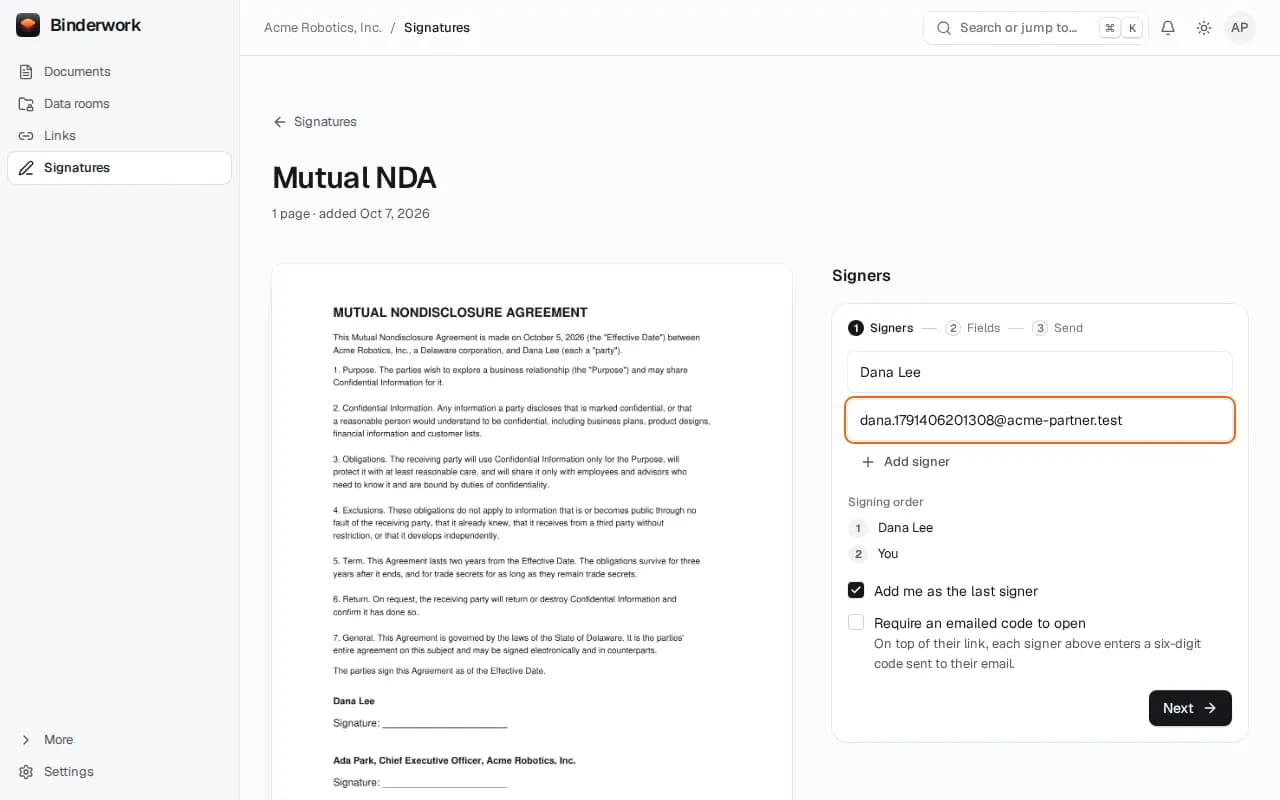
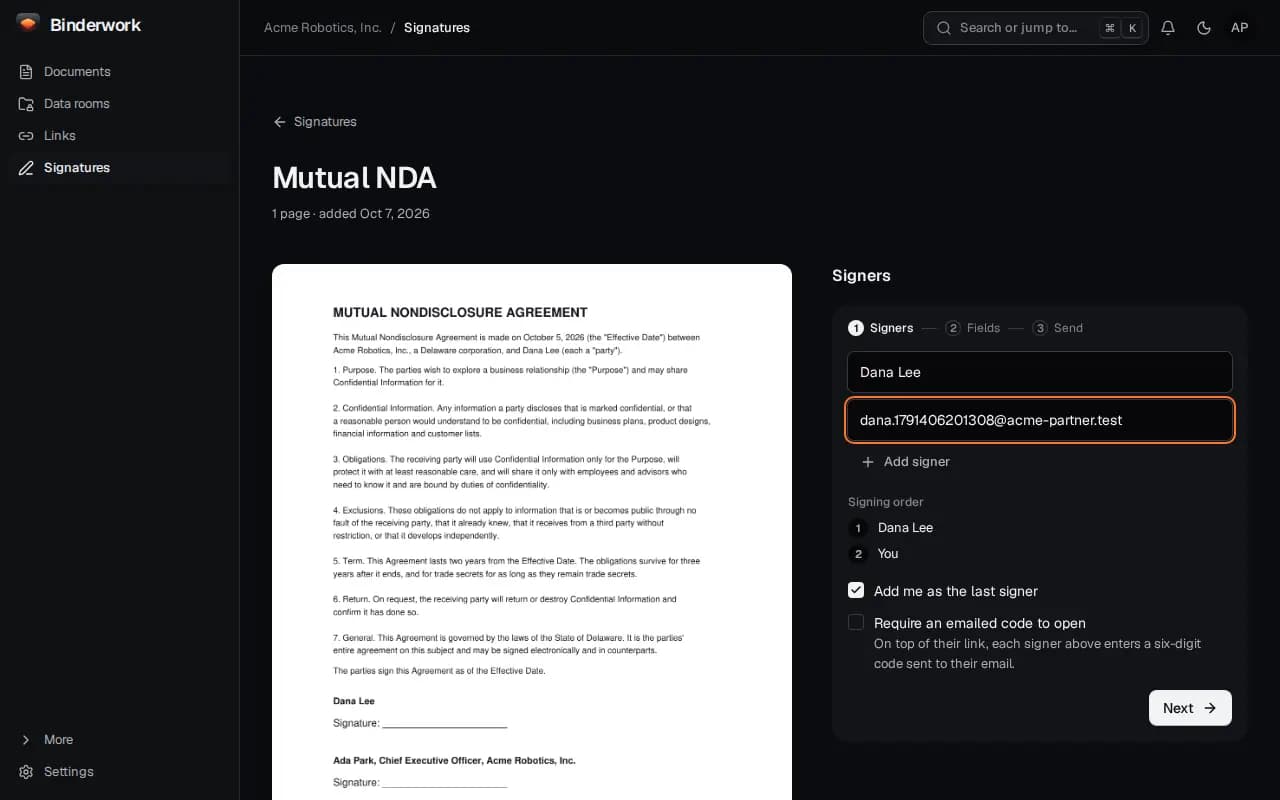
Add the signers
In Signatures, upload the agreement or start from a template, then add each signer's name and email. Add me as the last signer means you countersign after them.
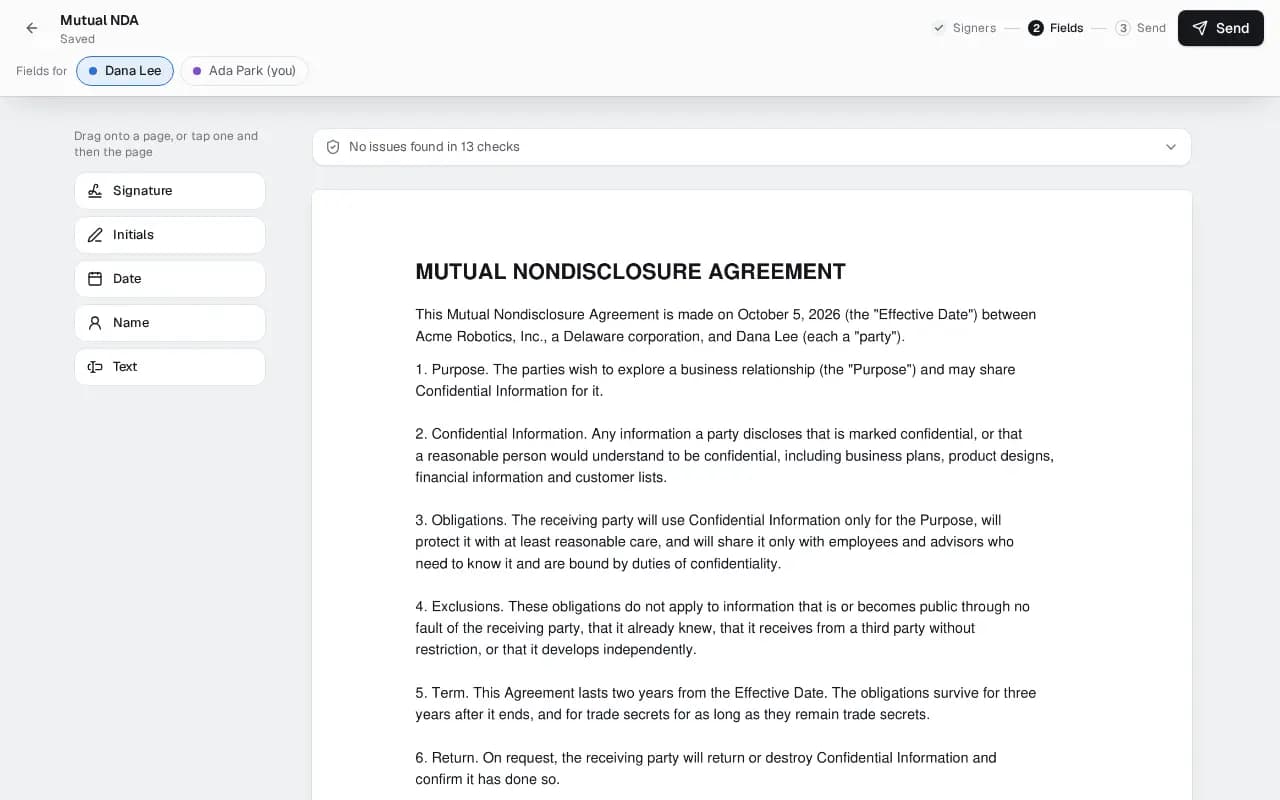
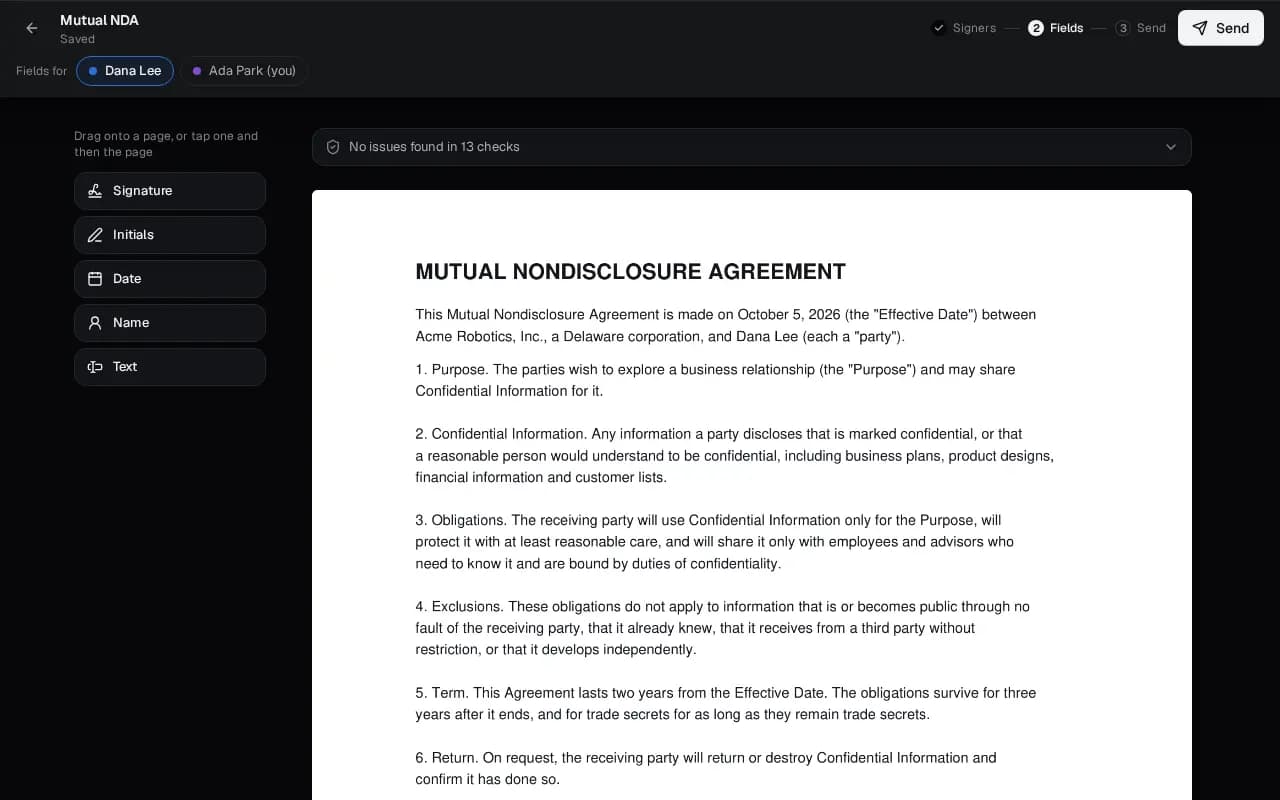
Check the fields
Binderwork finds the signature lines and says whose each one is. Accept them, or drag your own from the left.
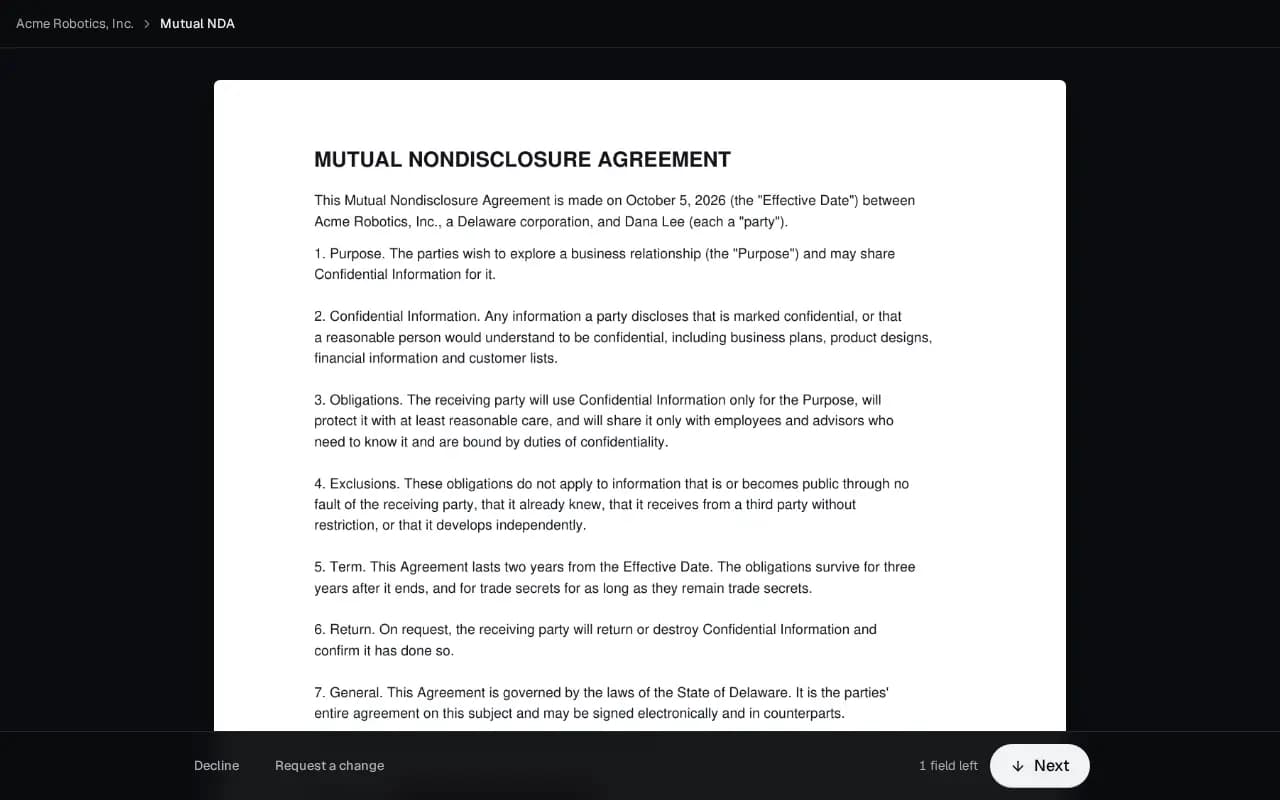
They sign on their own page
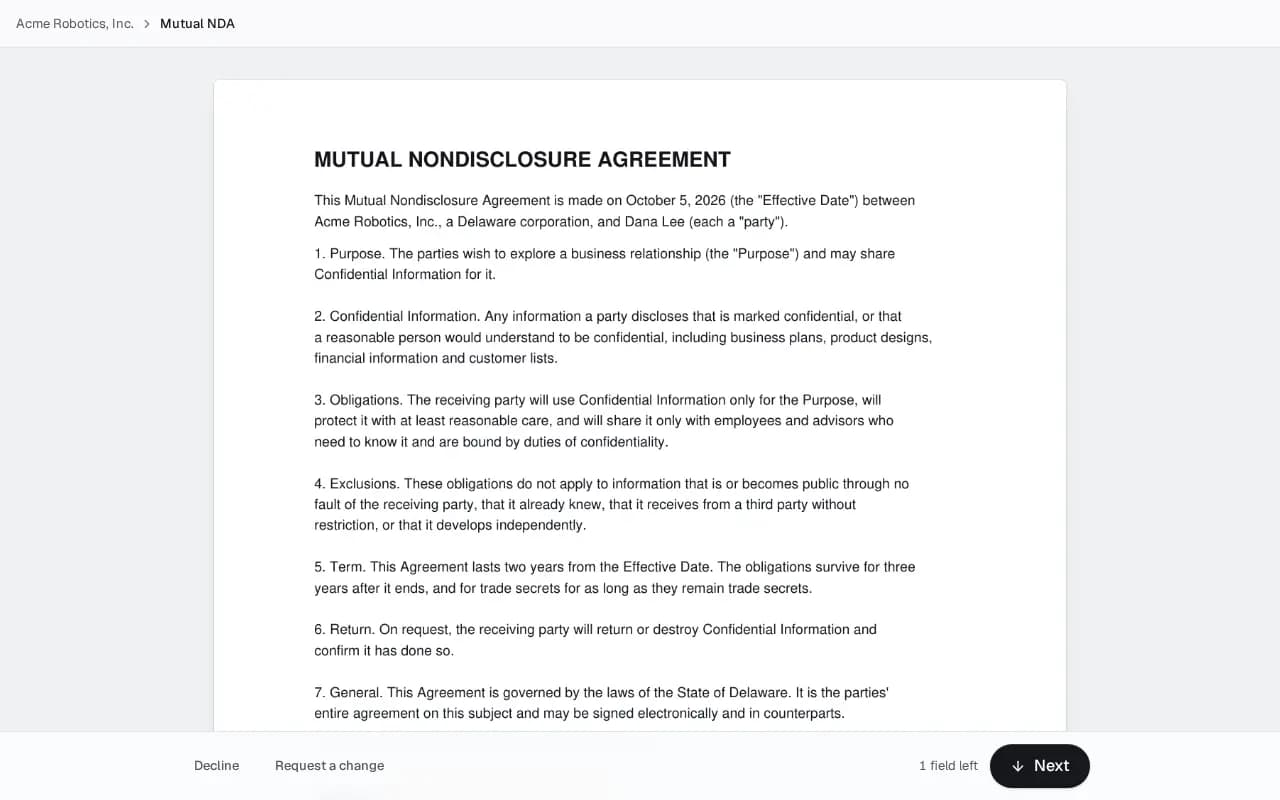
Each signer gets an email, agrees to sign electronically and signs in a tap. They need no account.
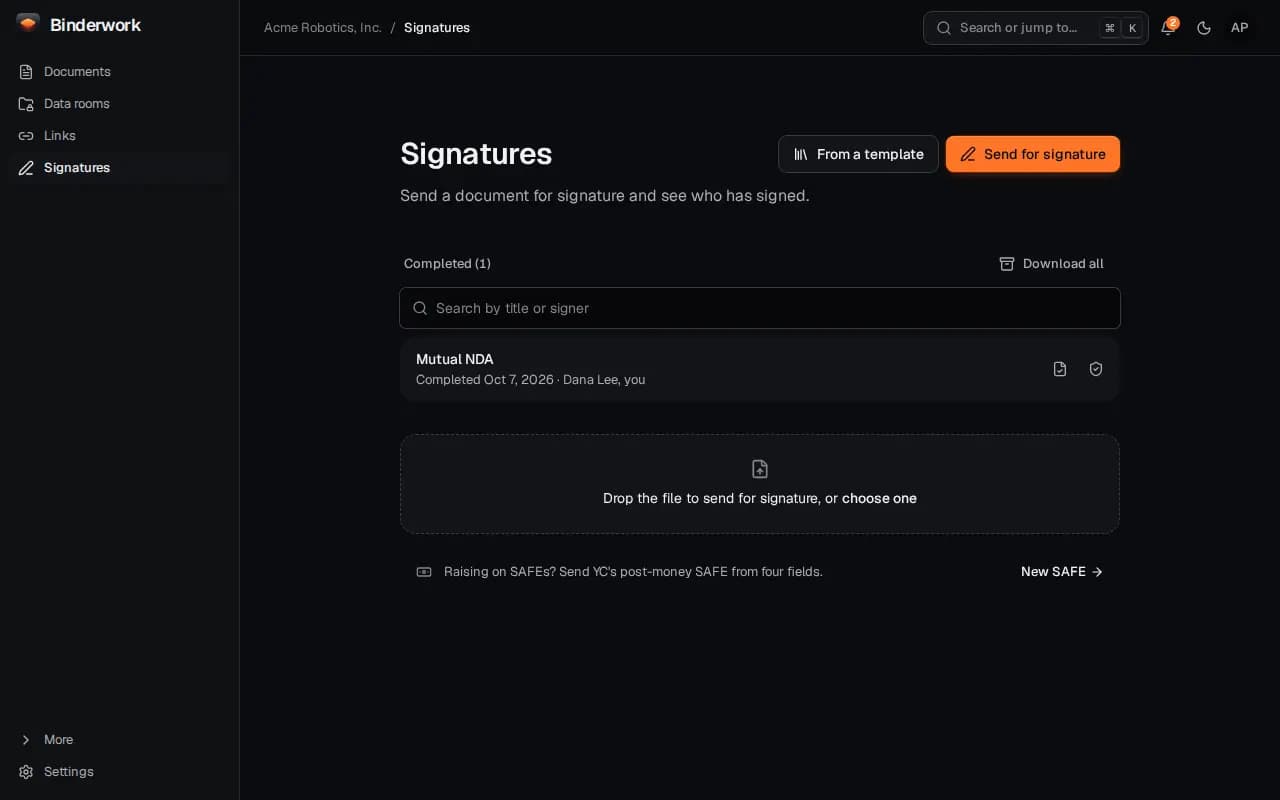
Keep the signed copy
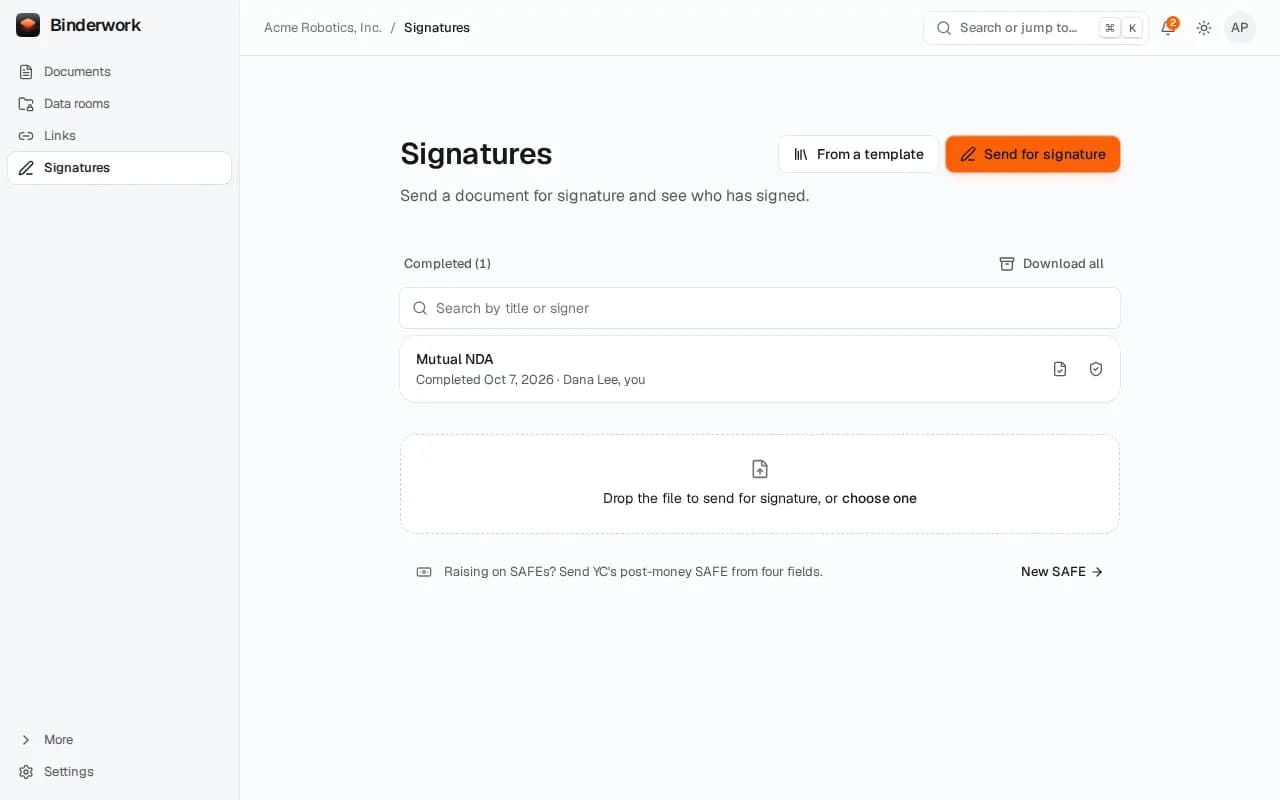
Completed holds every signed PDF with its evidence: who signed when, and a seal anyone can check. Download one or all of them.
From ChatGPT or Claude
Once Binderwork is connected to your chat, ask in your own words. Your assistant drafts; anything that reaches another person waits for your approval in Binderwork.
Ask for the envelope
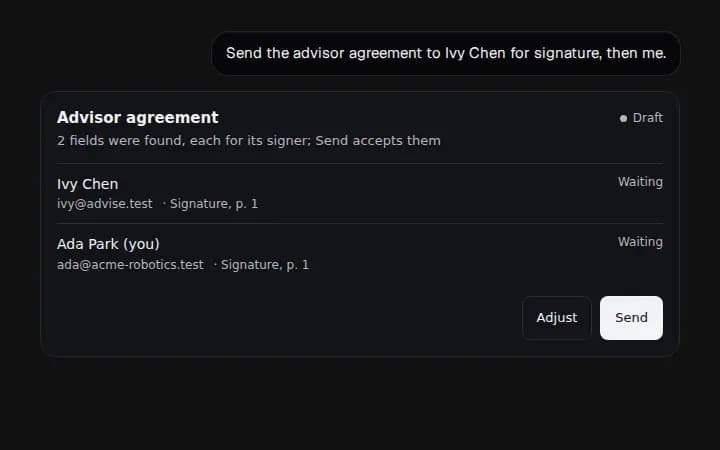
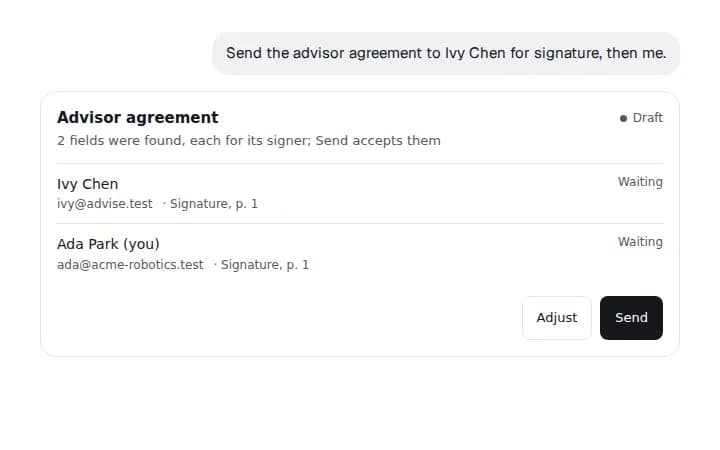
Say “Send the advisor agreement to Ivy Chen for signature, then me.” The card shows the signers and the fields found for each.
Approve sending
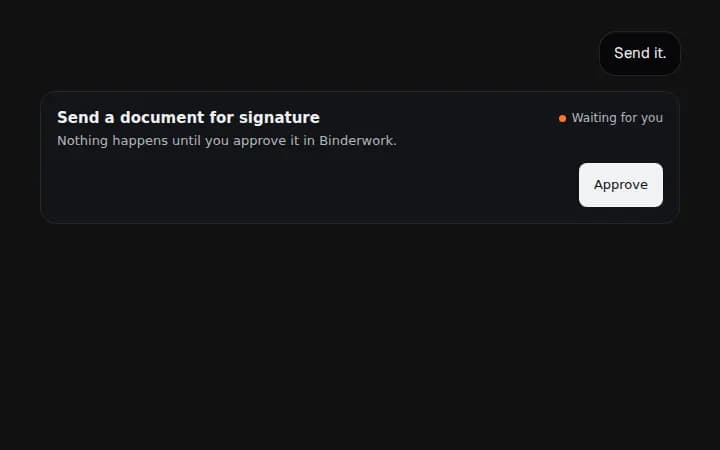
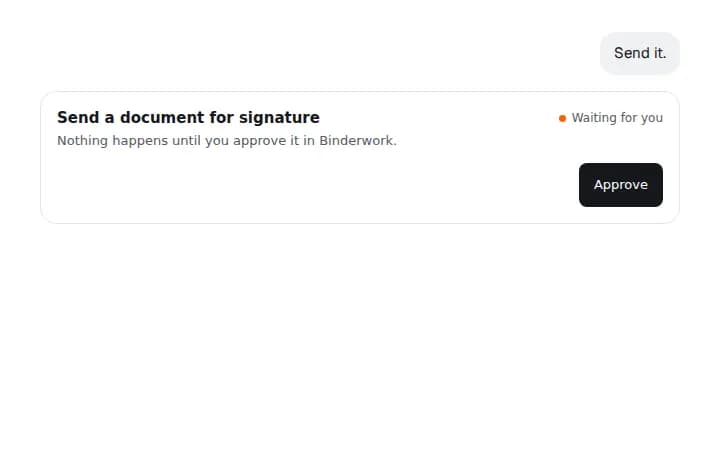
Say “Send it.” Sending waits for you: the card says so, and Approve opens it in Binderwork, where your passkey confirms it. Then each signer gets their email.
Ask where it stands
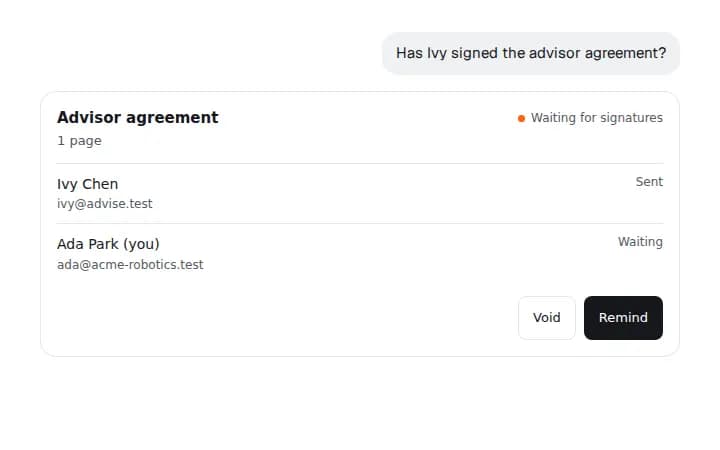
Ask “Has Ivy signed the advisor agreement?” any time. The card shows each signer and whether they have signed.